
Solved

Fee Tracker Default User

  • Feb 17, 2026 7:50 PM UTC
  • 1 reply
  • 48 views

Forum|alt.badge.img+1

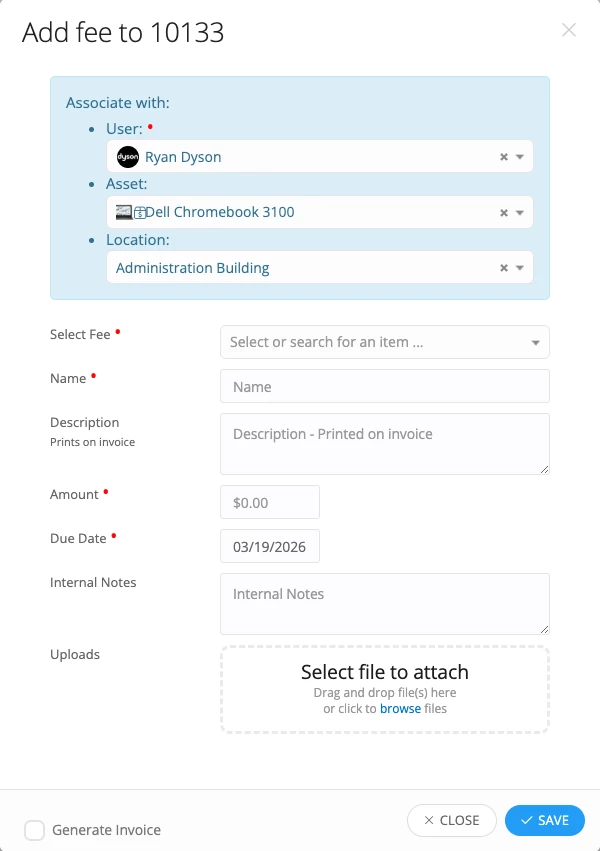
When adding a fee to a ticket the agent must select the user that the fee is going to be associated with. Is it possible to change who the default user is? Currently our system is showing one of our iiQ Administrators and we would like it to be a specific Agent. This would save a lot of time waiting for the list of all students and staff to load and then having to search to find the specific Agent that we use.


Best answer by RSeward_iiQ

Hi ​@RStiles 600a3e4 bmtisd thank you for submitting your question!


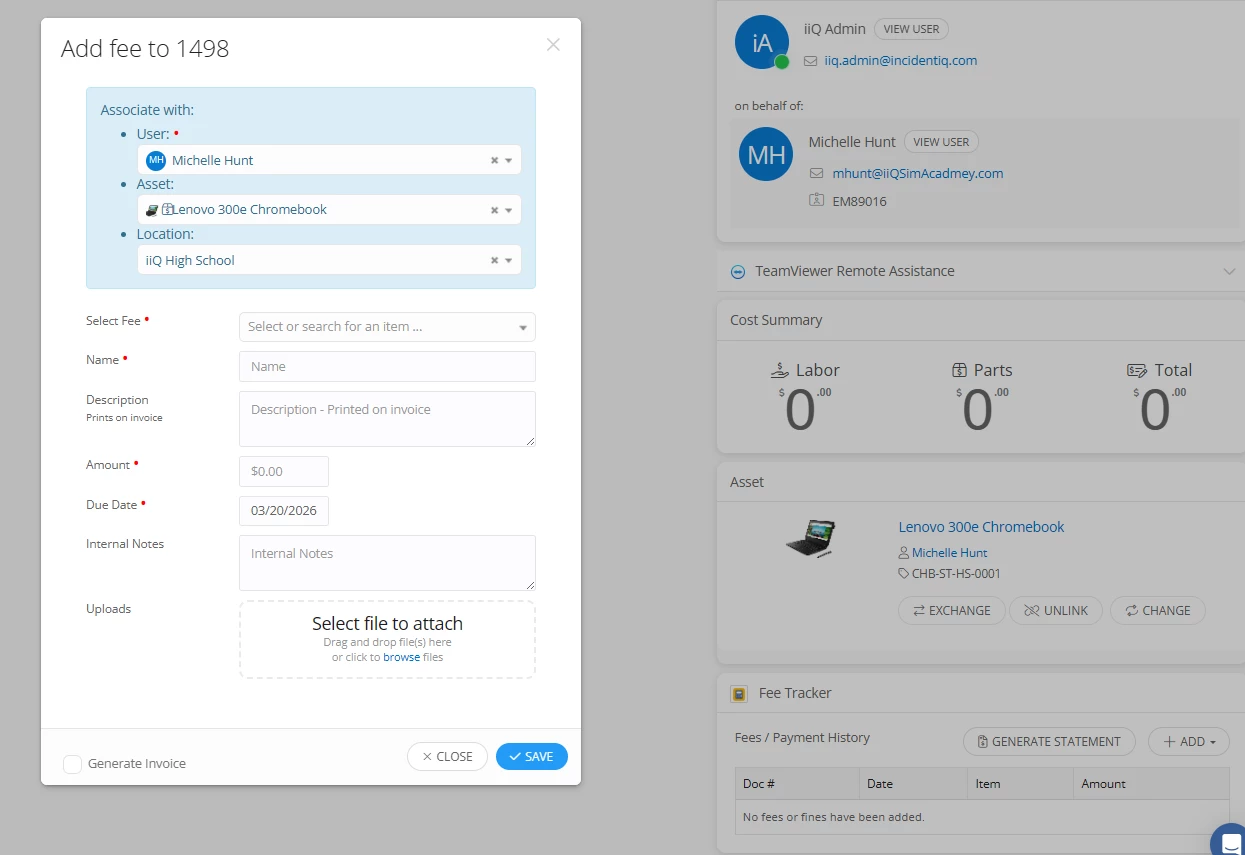
So with the Fee Tracker, it will normally default to the owner of the asset. Since there is no owner on that asset from the ticket info you provided, it is defaulting to the person who submitted the ticket. Here is what it looks like when a ticket is put in for an asset that is assigned to a user.


Currently, there is not a way to change that default user. What is your current workflow for fees as usually we see district attching fees directly to students or the owner of the devices?


View original

1 reply

RSeward_iiQ
Forum|alt.badge.img+6
  • Employee
  • Answer
  • Feb 18, 2026 9:34 PM UTC

Hi ​@RStiles 600a3e4 bmtisd thank you for submitting your question!


So with the Fee Tracker, it will normally default to the owner of the asset. Since there is no owner on that asset from the ticket info you provided, it is defaulting to the person who submitted the ticket. Here is what it looks like when a ticket is put in for an asset that is assigned to a user.


Currently, there is not a way to change that default user. What is your current workflow for fees as usually we see district attching fees directly to students or the owner of the devices?