Solved

Asset Filter "Attached to Open Ticket"

  • December 5, 2025
  • 6 replies
  • 157 views

Forum|alt.badge.img+1

Issue:

TryingĀ to find devices, that are assigned to students, that have an open ticket.

Current Method:

Ticket filter: ā€œHas Asset Attachedā€ andĀ State = ā€œOpenā€, export that list and add the Tags to an Asset view with the Role = Student filter.

Solution:

Asset filter of ā€œAsset Attached to Open Ticketā€.

Our current process, regarding broken student devices, is to check the device in, create a ticket, issue a new device, and then repair the broken one. I am trying to identify when this process isn’t followed as, currently, we don’t have a process to catch/correct them.

Best answer by EStapf_iiQ

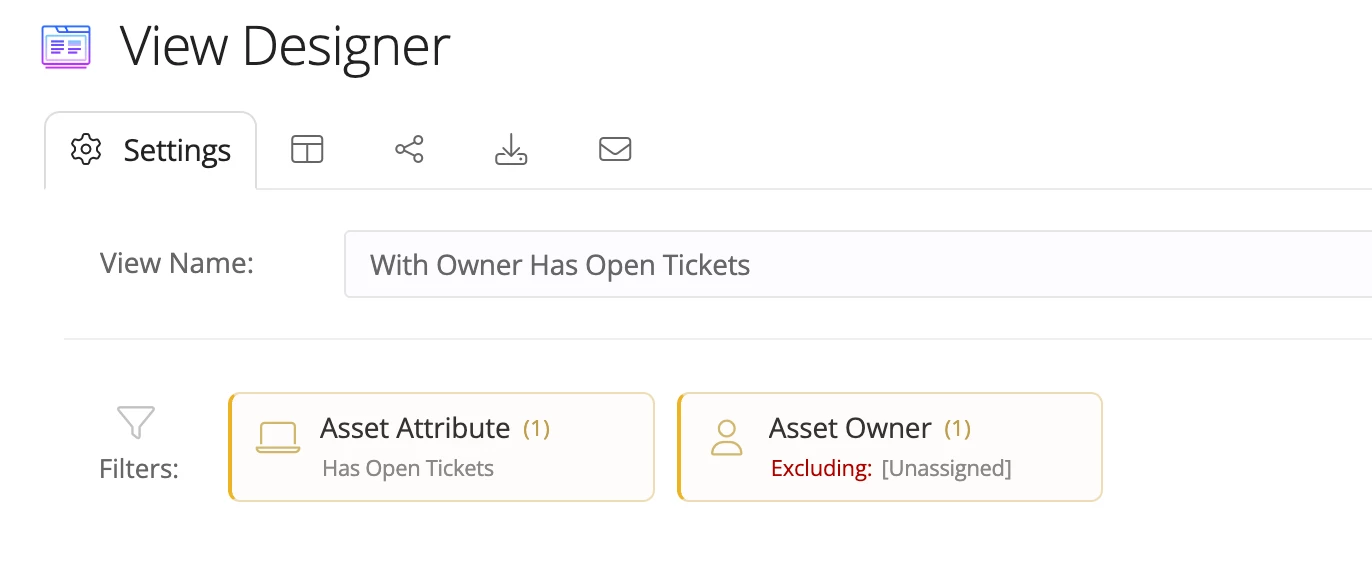
​@PFolkensĀ šŸ‘‹šŸ» Hi! If I’m understanding this correctly, I think we could use a combination of these conditional filters to get the information you are looking for:

This should be a view of asset that have an assigned owner AND has open tickets. I’ve gone ahead and shared the view for you to take a look at. You’ll just need to toggle it on in your ā€˜Managed Shared Views’ so you can see it. Let me know if you have any questions and if this meets your needs!

Hope this helps!

6 replies

EStapf_iiQ
Forum|alt.badge.img+14
  • Employee
  • Answer
  • December 9, 2025

​@PFolkensĀ šŸ‘‹šŸ» Hi! If I’m understanding this correctly, I think we could use a combination of these conditional filters to get the information you are looking for:

This should be a view of asset that have an assigned owner AND has open tickets. I’ve gone ahead and shared the view for you to take a look at. You’ll just need to toggle it on in your ā€˜Managed Shared Views’ so you can see it. Let me know if you have any questions and if this meets your needs!

Hope this helps!


Forum|alt.badge.img+1
  • Author
  • Observer
  • December 9, 2025

​@EStapf_iiQĀ That does work, thank you. Next question is why did you guys hide it under ā€œAttributeā€? Are there other attributes that are in the works? If there is only one attribute, why not move it to the top to make it easier to find?


EStapf_iiQ
Forum|alt.badge.img+14
  • Employee
  • December 9, 2025

​@PFolkensĀ I wish I could answer that question for you, but I’ve asked myself and our Product team that same thing! My recommendation is to always poke around and play, which I know you are good at.Ā šŸ¤“ I usually search ā€˜att’ which give me the attribute conditional filter.
There are also User Attribute = Has Assigned Device,
App Attributes which change based on the application, and
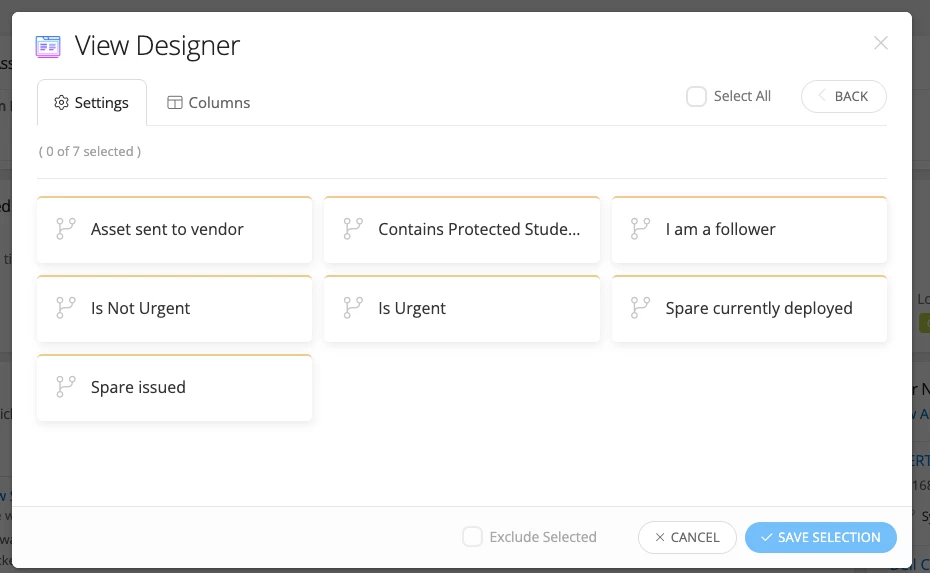
Ticket Attributes that contain these options:

Hope this helps!


Forum|alt.badge.img+16
  • Specialist
  • December 15, 2025

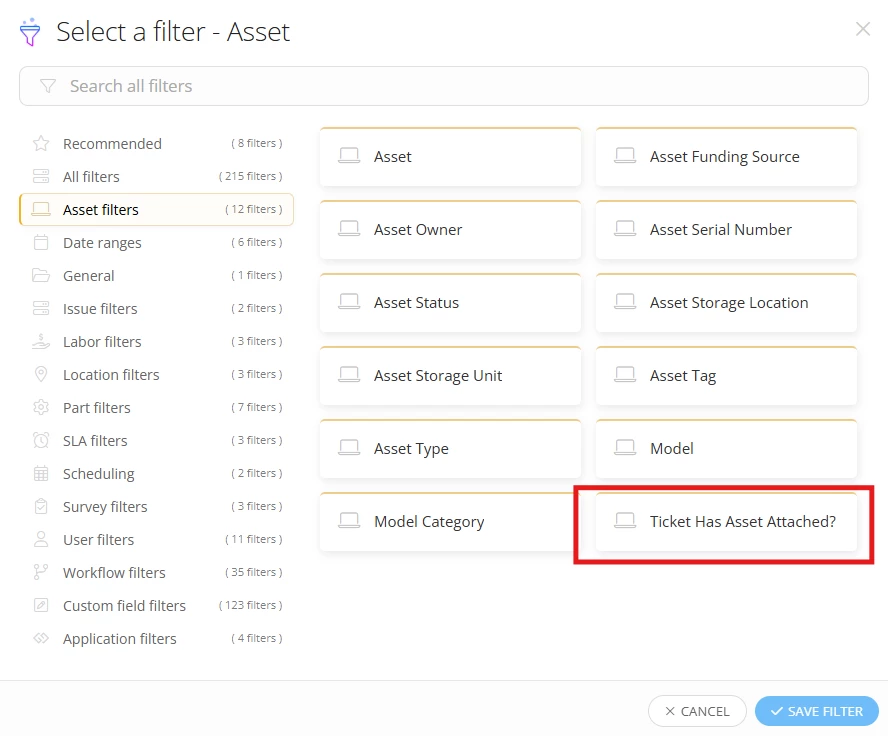
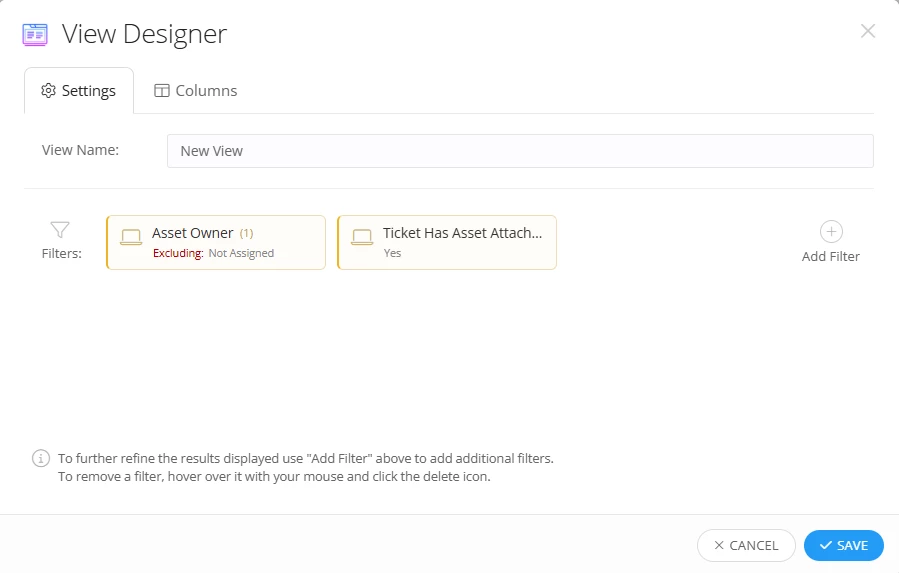
Could this be what you need? This is a filter on a custom ticket view.


Forum|alt.badge.img+1
  • Author
  • Observer
  • December 15, 2025

​@jclarkĀ That was part of the problem. I was trying to find Assets, still assigned to Students, with open Tickets. There is no ā€œAsset Owner Roleā€ filter in Tickets, so I was dancing between Ticket and AssetĀ views.Ā Also, iiQ hid the Asset filter of ā€œHas Open Ticketā€ under the ā€œAsset Attributeā€ filter. EStapf_iiQ’s answer is what I was looking for.


Forum|alt.badge.img+16
  • Specialist
  • December 16, 2025

Oh - my apologies, I misread the request. ​@EStapf_iiQĀ always has a trick up her sleeve to help! 😁

I was mainly just trying to see if there’s a way to get the tickets easier… There’s also the ā€œAsset Ownerā€ filter for a ticket view, where you could exclude ā€œUnassignedā€, which essentially does the same thing but in a ticket view. That still doesn’t narrow it down to just students like you need. Maybe that’s an idea to post… ā€œAsset Owner Roleā€ filter for ticket views.

Ā 

Ā