Question

Checked Out Devices

  • Dec 4, 2025 6:28 PM UTC
  • 3 replies
  • 29 views

Forum|alt.badge.img

Is there a way to list all checked out devices and who they are checked out to?

3 replies

Kathryn Carter
Forum|alt.badge.img+18

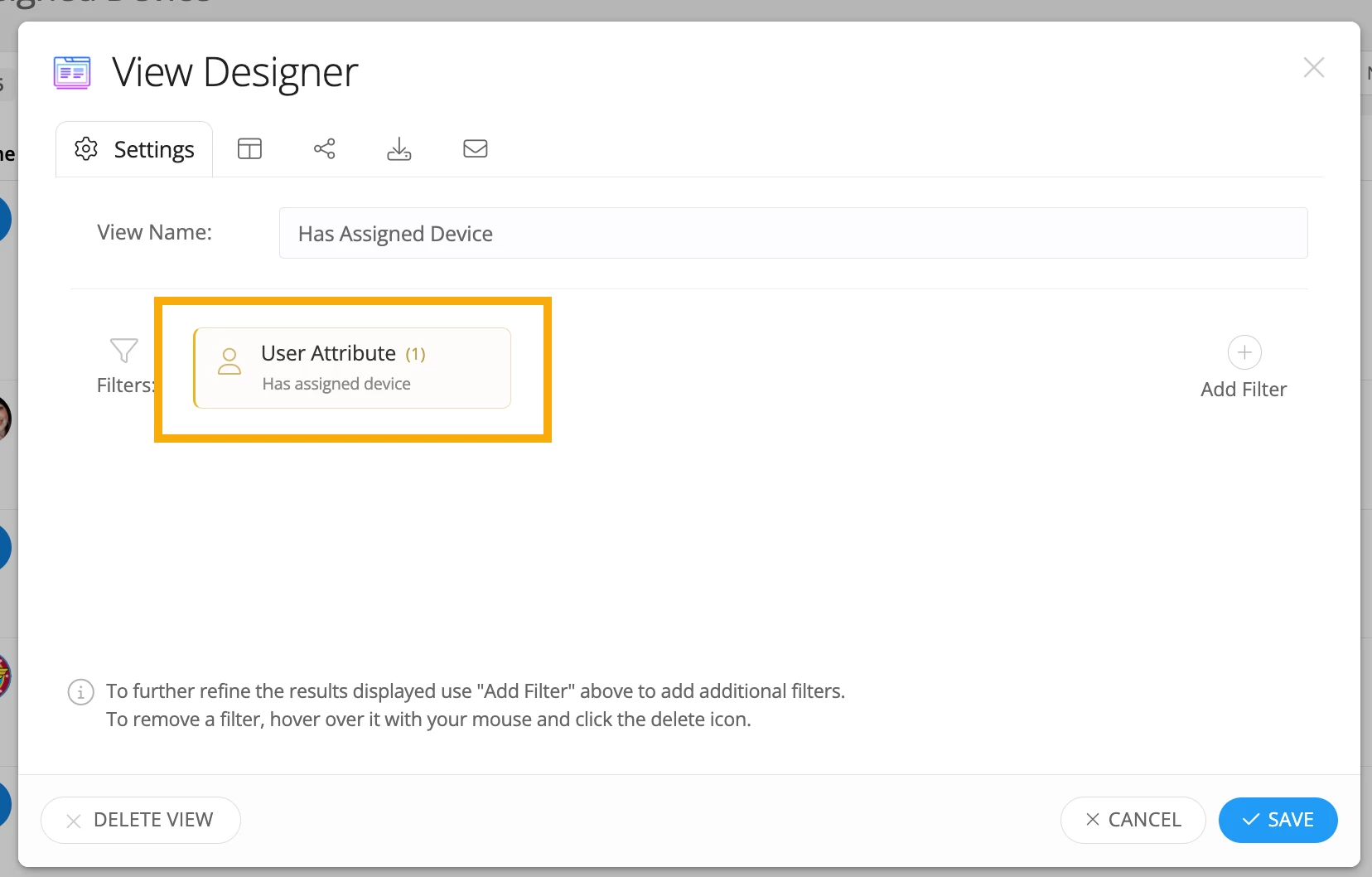
​@JMarshall 51398c4 sau23 Thank you for submitting your question to our community & for being patient on a reply! 😄 There is a user filter, “has assigned device” filter. You can add the asset within a column! You can also add filters for roles, like student or faculty/staff to be able to view the results more granularly. I hope this helps!


Forum|alt.badge.img

Thank you Kathryn, I was able to make that work for now. Is there a plan to make a dashboard for users and/or agents to see a full list of checked out devices? I feel like this would make sense so we can easily view all devices that are checked out, with the option to check it back in. Right now it seems we have no way to track these devices.


RSeward_iiQ
Forum|alt.badge.img+6
  • Employee
  • Dec 10, 2025 4:24 PM UTC

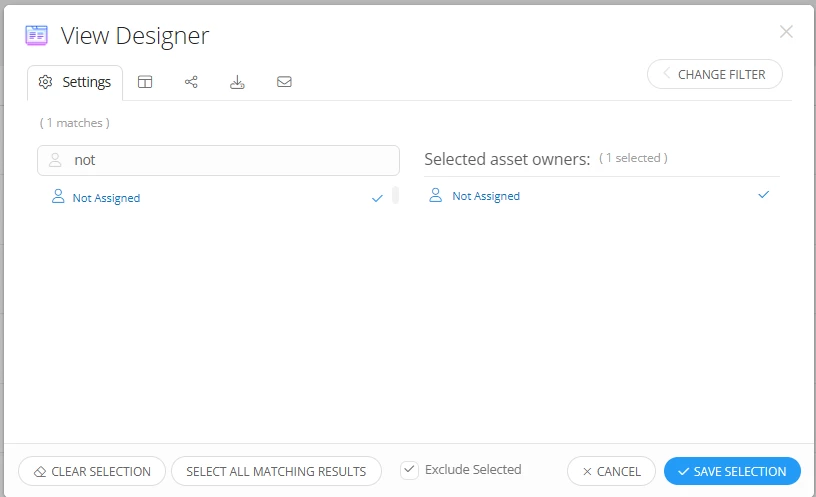
Hi ​@JMarshall 51398c4 sau23 , you could also achieve the same effect by creating an Asset View and use the Owner Filter. Just make the Owner “Not Assigned” and then click the “Exclude” checkbox. This will give you all Assets who are checked out to an Owner along with any other filters like location or asset status. It acheives the same effect but gives you more Asset driven filters and coulmns


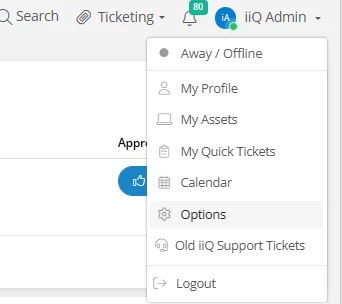
You can also keep this view on your Dashboard once it is created by clicking your name in the type right hand corner of the screen and then clicking “Options”:


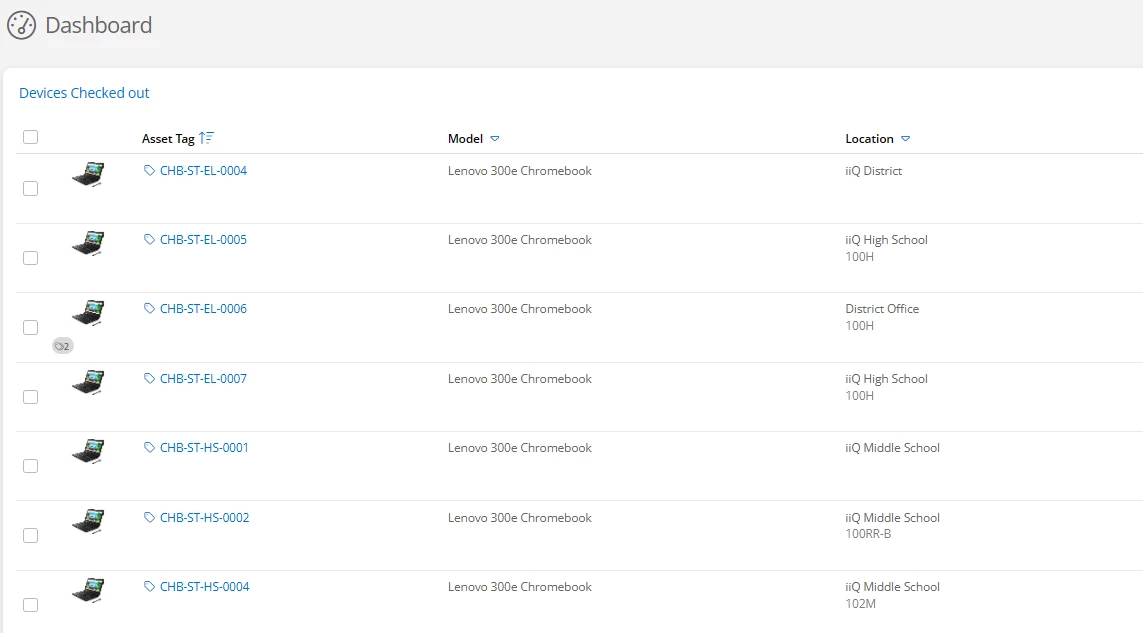
Then, click the Dashboard tab and under the Available Components you can find your custom view. Just click it to add it to the dashboard and arrange it where you would like to see it. It will then appear on your dashboard!


I hope this also helps!