Solved

Trouble With Data Push from IIQ to Google

  • June 28, 2026
  • 5 replies
  • 49 views

Forum|alt.badge.img+2

Can someone help me out? I’m having a heck of a time with my asset data. Push Data has worked for me in the past. I have uploaded a few CSVs and ran a full sync beforehand and afterwards. All of my Data in IIQ is good, but I can’t get data to go back to Google. Everytime I do, it just goes from 0 to 100 and syncs nothing to Google. I have Annotated Location and and Annotated User set to flow to GoogleDeviceData in one direction, and I have cleared my cache and I have removed and re-added my authentication token, then reauthenticated, all looks good. But it just won’t work and I need the updated data in Google Admin and Getter. 

Is there anything else I can try?
Best answer by TThompson_iiQ

@SSandrock 29300e0 gm 

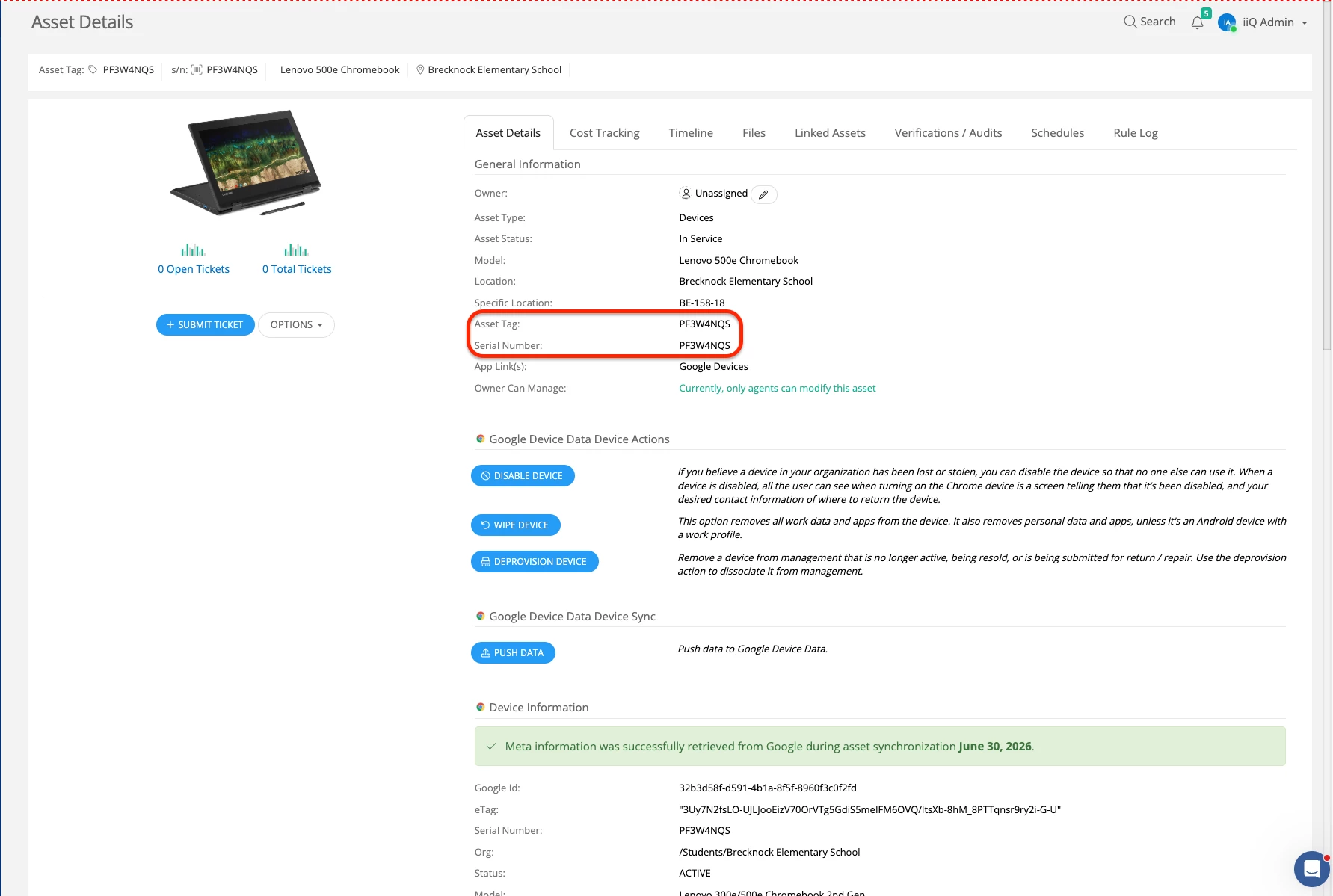
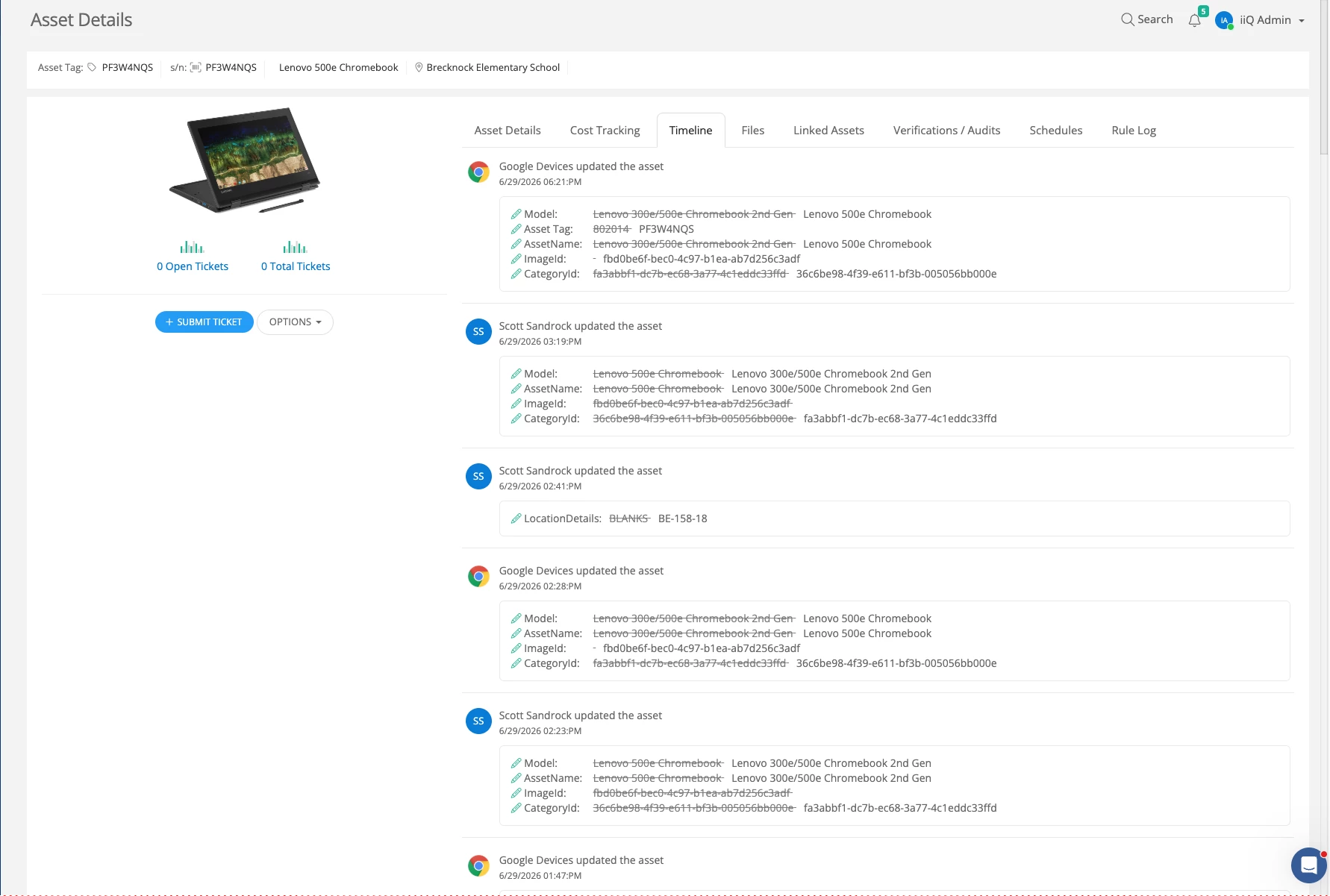
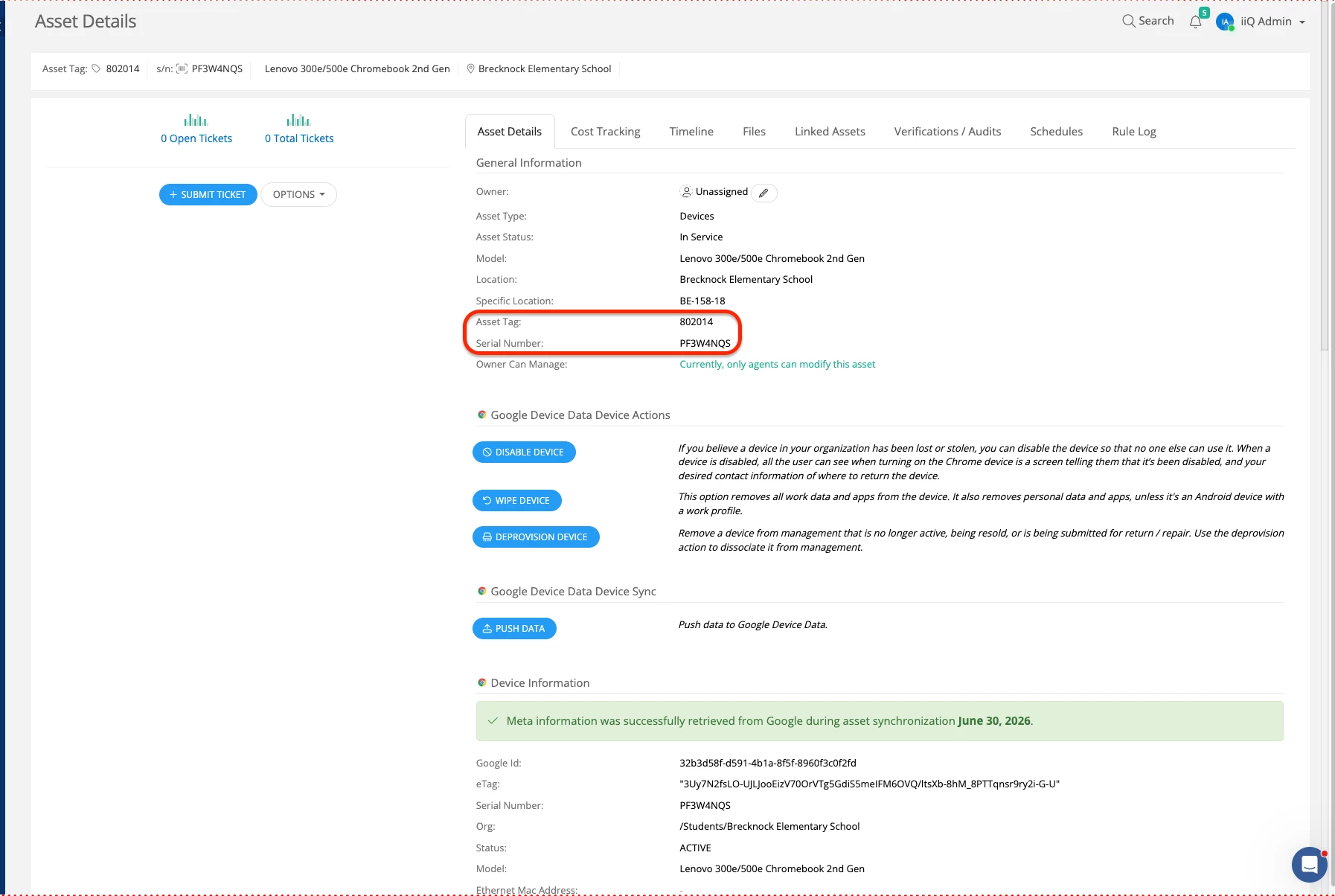
Thanks for providing that example asset. After looking into it, I found that you have two asset records with the exact same serial number (PF3W4NQS) but different asset tags.

I’ve attached screenshots of both records for your review. It looks like one was created manually, while the other was brought in and updated via your Google integration.

Could you confirm if these are actually two separate physical devices, or if this is a duplicate entry for the same device?

  • If they are separate devices: You'll just need to ensure the serial numbers and asset tags are unique to each device.

  • If it's a duplicate: We'll want to merge or delete the manual record so the Google sync can continue updating the correct asset seamlessly.


5 replies

Forum|alt.badge.img+1

Good morning ​@SSandrock 29300e0 gm


My name is Tyrell Thompson, and I would be happy to assist you with this. Can you provide a couple of example assets that you are noticing the annotated user and location are not being pushed back to Google as expected?


Forum|alt.badge.img+2

Hi Tyrell!


Thank you for responding. I think I know what’s going on and I have no idea how to fix it. When I try to do a bulk upload to match the asset specific location data, it’s showing 380 records to be skipped because the asset tag is already being by asset (for ex: dfe1b602-59d0-4fcb-905b-a83ec2b3a0bb) which I assumed was the Google ID of the device, but I can’t find that in Google Admin. Asset Tag: 802014    S/N: PF3W4NQS. 

    
 Asset tag '802014' is already being used by Asset 'dfe1b602-59d0-4fcb-905b-a83ec2b3a0bb'


And then 380 errors just like that, I don’t know what happened. I had it near perfect, but I must have messed something up. Is there a way to clean out old data like that? My best guess is I uploaded a CSV and made devices disappear? I use Getter and have a copy backed up, and everything is good now except for these student Chromebooks, and I already had them scanned and set up in Google Admin, and then they all disappeared! lol


Thanks for your help!


Forum|alt.badge.img+2

I’ll be spending the rest of this week powerwashing 1,200 Chromebooks.


Forum|alt.badge.img+1

@SSandrock 29300e0 gm 

Thanks for providing that example asset. After looking into it, I found that you have two asset records with the exact same serial number (PF3W4NQS) but different asset tags.

I’ve attached screenshots of both records for your review. It looks like one was created manually, while the other was brought in and updated via your Google integration.

Could you confirm if these are actually two separate physical devices, or if this is a duplicate entry for the same device?

  • If they are separate devices: You'll just need to ensure the serial numbers and asset tags are unique to each device.

  • If it's a duplicate: We'll want to merge or delete the manual record so the Google sync can continue updating the correct asset seamlessly.


Forum|alt.badge.img+2

Thank you! They are for sure duplicates of the same device. We just finished powerwashing our Mifflin Park Building today, now every Chromebook confirmed for those classrooms has the correct asset ID and “Specific Location” formatted like above in your screencap: ex: MP-214-01 with a “HELP” suffix at the end of it, so it would be “MP-214-01 HELP”. We’re going to take care of Cumru Elementary tomorrow, so those will all be “CE-XX-XX HELP”.