Question

SIS Data Import Question

  • June 8, 2026
  • 9 replies
  • 79 views

Have others had any luck with importing data from their SIS and mapping user id’s onto the School ID field for users? We have not had much luck getting this field to populate when connecting IIQ with our SIS.

9 replies

Kathryn Carter
Forum|alt.badge.img+18

@JDavis 530c6b5 rsu57 Thank you for submitting your question to our community! 😄 

What SIS are you integrated with? 


Hi ​@Kathryn Carter - we are currently integrated with Synergy


Kathryn Carter
Forum|alt.badge.img+18

@JDavis 530c6b5 rsu57 When you are adjusting your field mappings, you can specify for synergy to update this information, or have any app update. 

With this automatic update, this information should be pulled as often as you run a sync. Is this the field you are referring to? 


Thank you ​@Kathryn Carter,

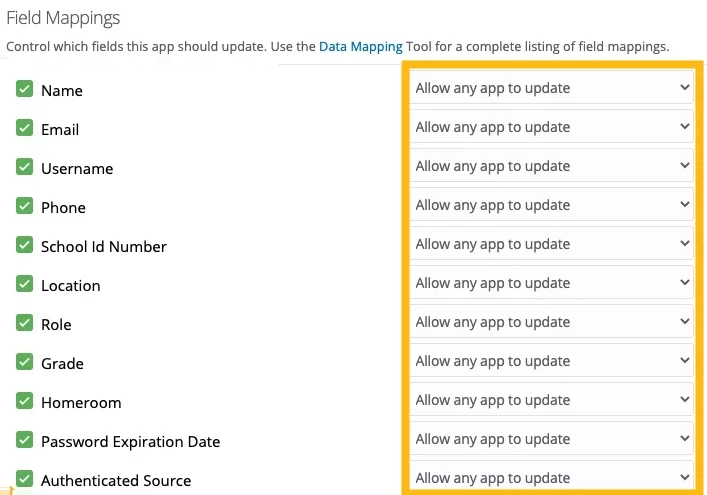
This is exactly what we are currently doing. Here is a screenshot of our mappings for Incident IQ


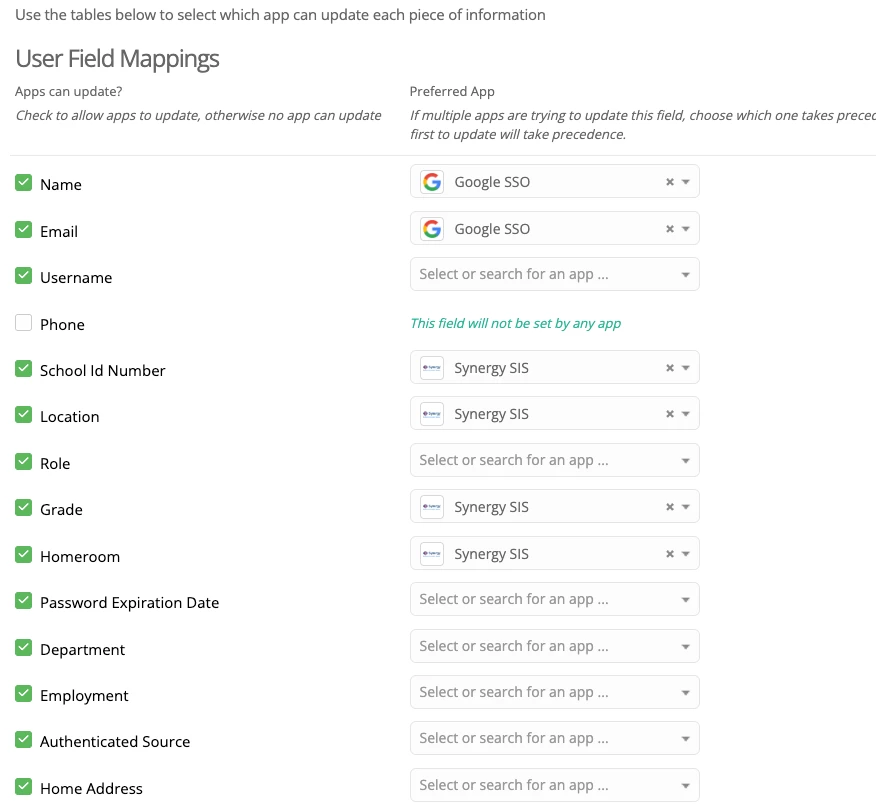
Here is a screenshot of our mappings in the Synergy app settings

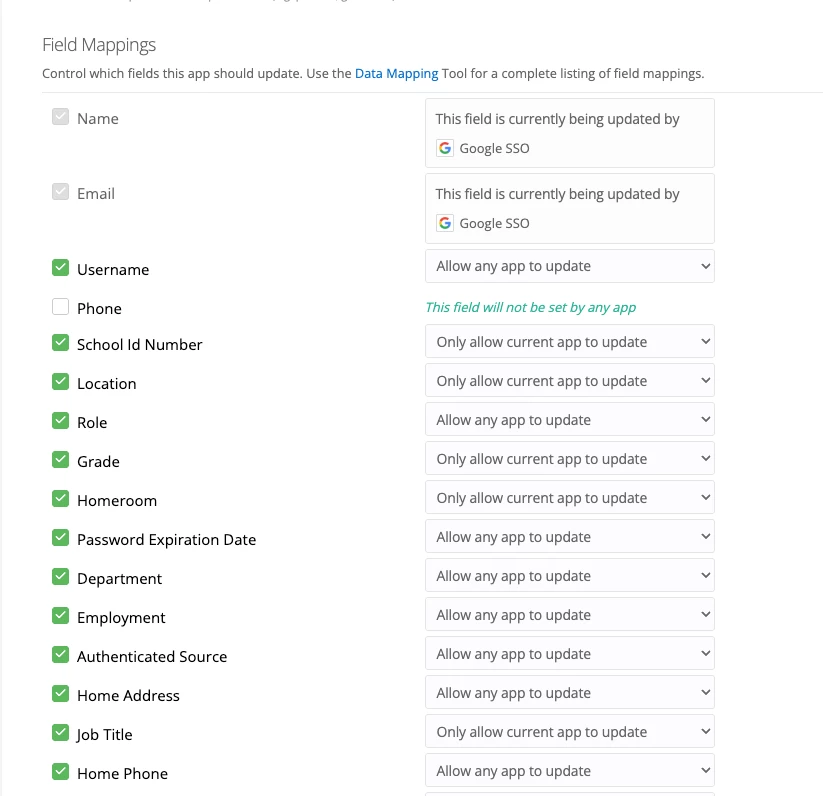
Below is a sample of the data pulled from the nightly Synergy sync and sent to IIQ for reference

Our users are not getting the School ID Number field updated along with the other fields.


JustinRaynor_iiQ
Forum|alt.badge.img+13

@JDavis 530c6b5 rsu57 looking at your Synergy, I don’t see any school ID coming in for your users. Since OneRoster is very specific on the data points, you’ll need to add this information into the ‘identifier’ field in the Users OneRoster .csv file.

Once this information is populated, it should come in for your users. I’m not sure how the setup looks on Synergy side, but you’ll want to point that data to the ‘identifier’ column in your OneRoster data.


Update: Just saw your screenshot and you’ll see that the ‘identifier’ field is currently coming in blank.


@JustinRaynor_iiQ  - It looks like the ‘sourceId’ contains the id we are looking for. However it is not getting added to users.


JustinRaynor_iiQ
Forum|alt.badge.img+13

@JustinRaynor_iiQ  - It looks like the ‘sourceId’ contains the id we are looking for. However it is not getting added to users.

Hey ​@JDavis 530c6b5 rsu57, so we utilize the sourceID for other functionality such as linking the user to guardian/parents, classes, and academic sessions. The identifier is going to be the field specifically made for user identification, per the OneRoster formatting. Here are the guidelines that are utilized for OneRoster and the different data points. They’re very specific and even a misspelling will cause the column data points to not come over correctly so it’s very important that the school ID number is located in the identifier column, even if you use that data point for the sourcedID:


https://www.imsglobal.org/oneroster-v11-final-csv-tables#_Toc480293266


@JustinRaynor_iiQ 

We’ve narrowed down the problem a bit and are running into another issue now. We successfully got the identifier to populate and the school id number displays for Faculty and Student roles, but not for the Staff role. 

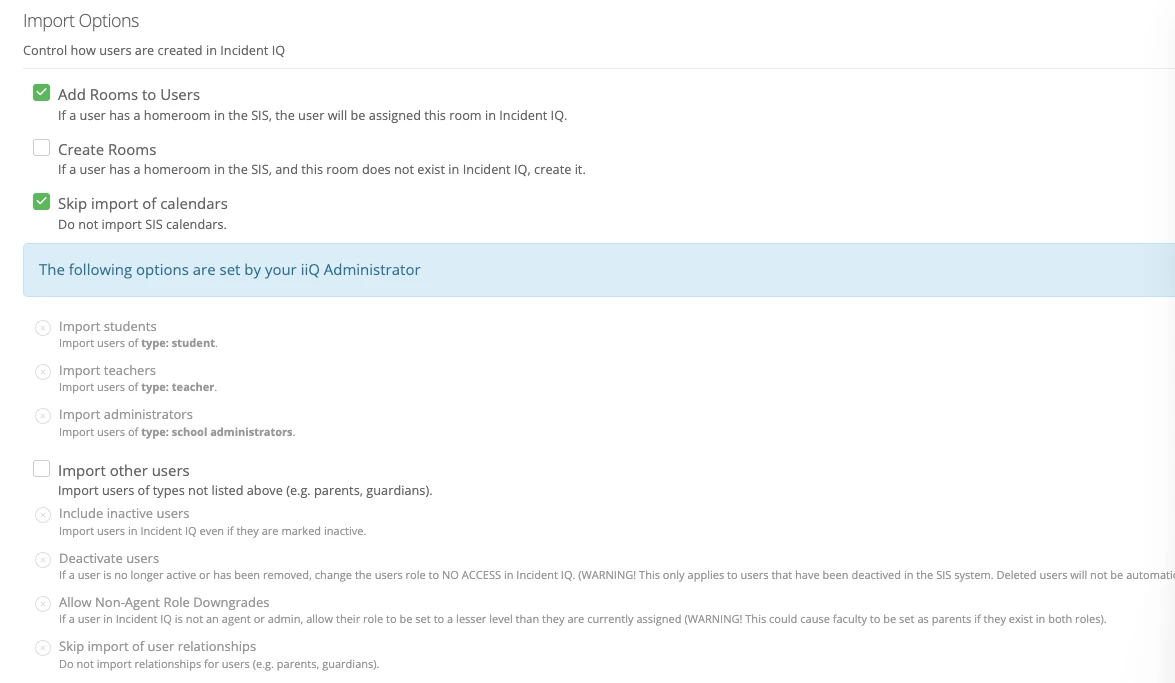
When I look at the settings tab for the Synergy App, i see an “import other users” checkbox but this looks like it would import parents which we do NOT want to do. Is there another setting somewhere that would enable the Staff role?

UPDATE: here is a screenshot of our settings tab...a lot of these options look disabled but it seems like this is where that would be configured?


JustinRaynor_iiQ
Forum|alt.badge.img+13

Hey ​@JDavis 530c6b5 rsu57,


That is by design as user creation should come from your SSO and bringing in the school ID would be unaffected by these settings. I took a look at some of your Staff users and was unable to spot a corresponding SIS account. I’m happy to review this functionality with you in an email and I’ll also loop in your Customer Success Manager. That way we’ll be able to look at sample users as well.