

Question

HTML Code Broken in KB & Custom Fields

  • Mar 2, 2026 3:21 PM UTC
  • 3 replies
  • 67 views

APeterman 1002170 d300
Contributor
Forum|alt.badge.img+1

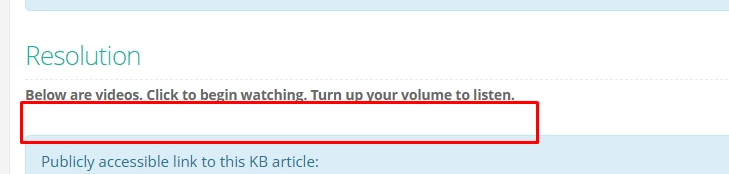
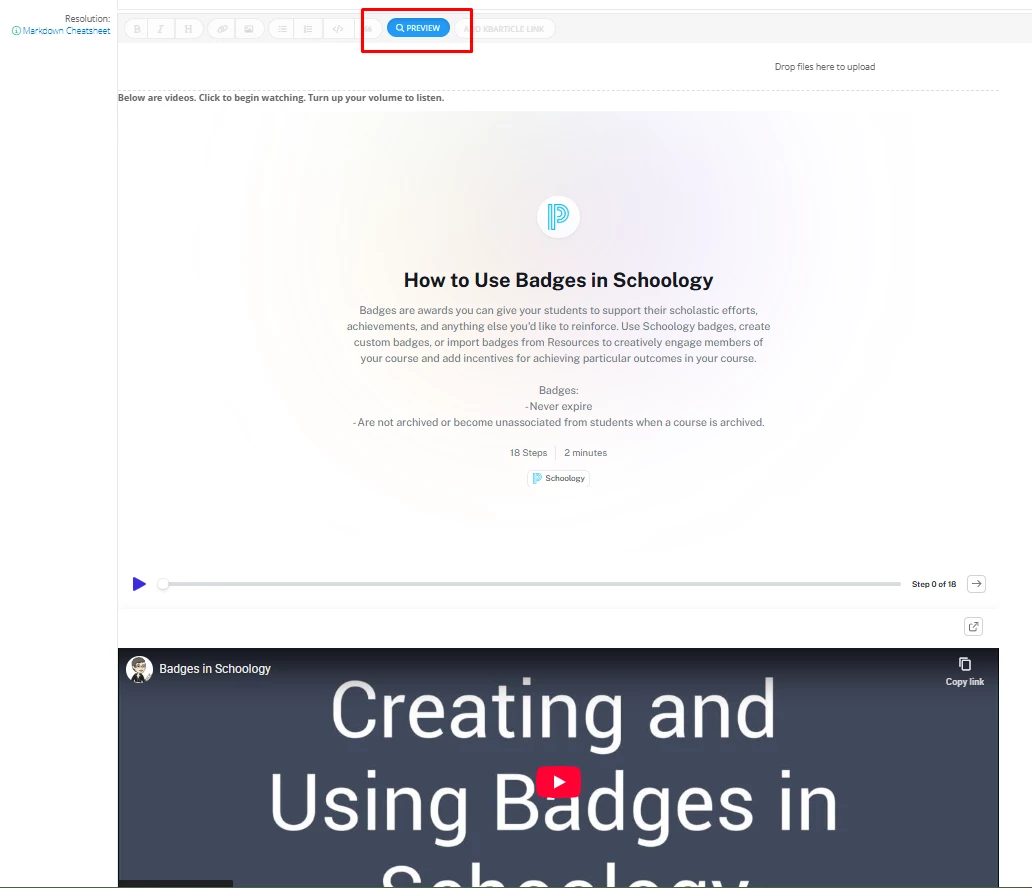
It appears that a recent update has broken HTML coding functionality. Over 90% of our KB articles (~500) are now broken because the embed code in our resolution is now failing. The code displays correctly in Preview mode, but when the KB article is saved it does not display. Additionally, we have a custom field with a “button” to direct staff to the KB articles which displays, but the link doesn’t work because the HTML code is broken. Hoping this is fixed ASAP and the platforms functionality is restored.

Live - Broken
Preview Mode - Works
 

3 replies

APradhanang_iiQ
Forum|alt.badge.img+3

Good morning ​@APeterman 1002170 d300 


We have a report for this issue and our dev team is currently investigating what might be causing the issue. When you get a chance please go ahead and submit a ticket to our support team via the help bot or via email at support@incidentiq.com


Best regards,

Arun


APeterman 1002170 d300
Contributor
Forum|alt.badge.img+1

Hey Arun,

I have already submitted a support ticket. We are going into our third week of this issue and it has been sitting in a state of “Waiting Internal” with no updates. We rely heavily on the KB articles (we have nearly 500) and a big part of that are HTML embeds in the solutions of those articles so it is hard to sit back and just wait without communication. It appears y’all have had this issue before too - 

Hoping to hear back soon,

Andrew


APradhanang_iiQ
Forum|alt.badge.img+3

​@APeterman 1002170 d300 


I do apologize for the inconvenience. I did review the report and currently our dev team has moved the report to “In development” meaning they have identified the issue and are working on their solution. That said the tech working the ticket will continue to update you on this issue. 


Best regards,

Arun