Solved

Edit original ticket description

  • August 15, 2024
  • 4 replies
  • 136 views

Forum|alt.badge.img

How do I edit the original request detail that I was the requestor for?

Best answer by Kathryn Carter

@DGunnia 9806ca1 austinisd Thank you for submitting your question to our community! 😄

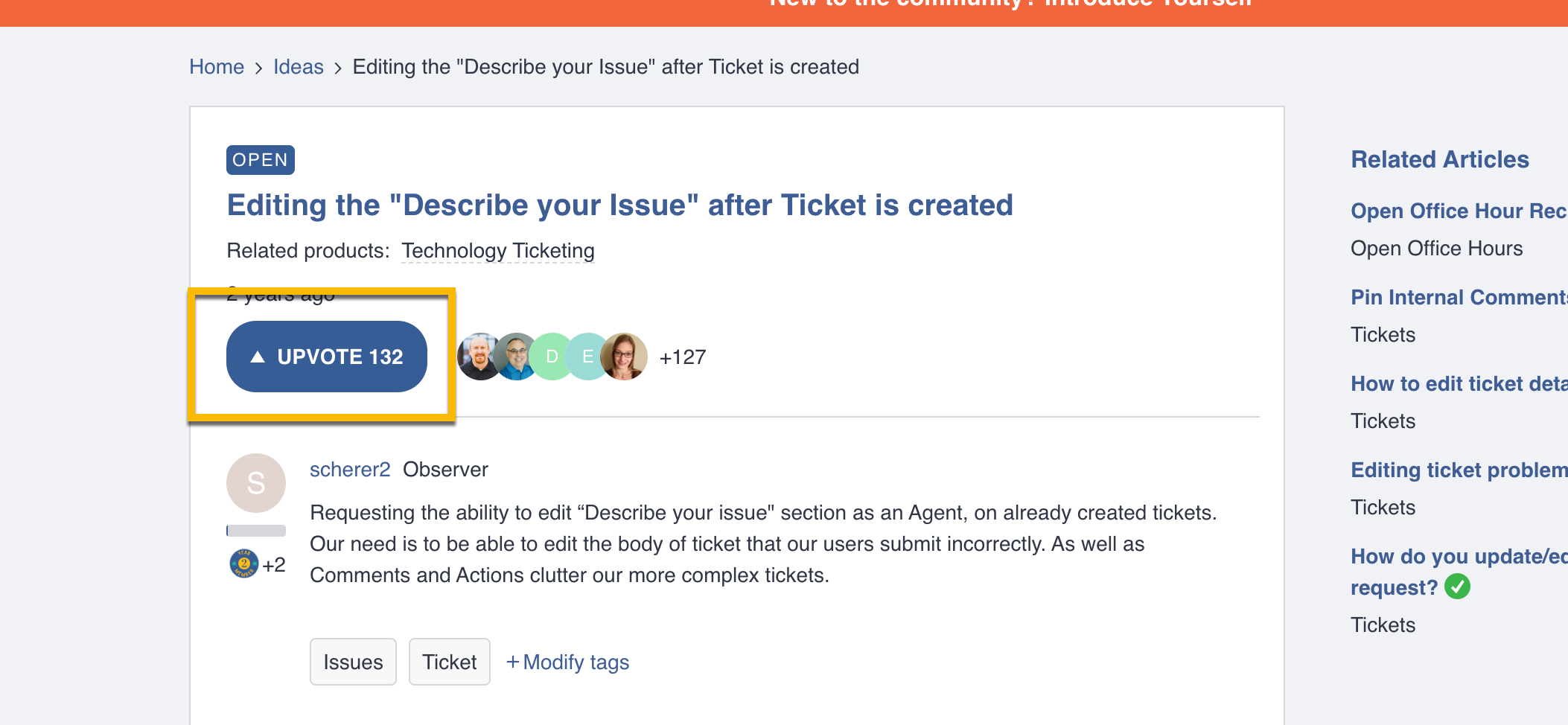
This is currently an enhancement request that you can upvote and comment: 

I would suggest just adding a comment to the ticket with the correct information. 

4 replies

Kathryn Carter
Forum|alt.badge.img+18
  • Community Manager
  • Answer
  • August 15, 2024

@DGunnia 9806ca1 austinisd Thank you for submitting your question to our community! 😄

This is currently an enhancement request that you can upvote and comment: 

I would suggest just adding a comment to the ticket with the correct information. 


Forum|alt.badge.img

How do I up vote?


Kathryn Carter
Forum|alt.badge.img+18
  • Community Manager
  • August 15, 2024

@DGunnia 9806ca1 austinisd You will click into the thread (linked above) and then click the upvote button: 


Layla Stone
Forum|alt.badge.img+4

@DGunnia 9806ca1 austinisd 


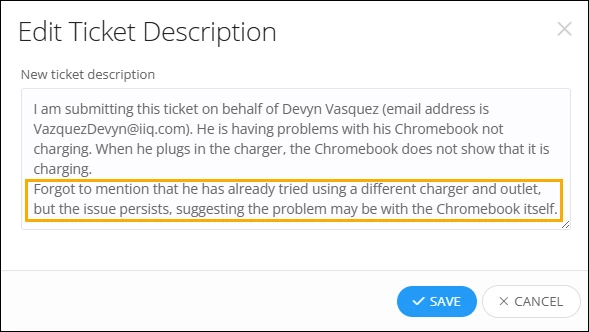
I’m excited to share a new enhancement that will make your experience easier! You can now modify a ticket's description even after it's been submitted. Just click on the "More" dropdown on a ticket and select "Change Description." 

Please note that to modify the ticket description, users must have the ‘Work Tickets’ permission.


After updating, both the ticket description section and the timeline will show the latest changes.