Question

Events - Best Practices/Remote Event Ticketing

  • Sep 30, 2026 9:44 PM UTC
  • 7 replies
  • 62 views

Forum|alt.badge.img

I am curious if anyone has a “best practice” or guide on configuring events on the admin side. Or if anyone has been successful in their implementation, I would love to hear what has worked and what hasn’t.

For starters, we’re trying to work out the remote event ticketing form and are running into roadblocks despite room availability and external requestor permissions being properly set up as far as I can tell.

The learning path does not go into enough detail given how much goes into setting up this module and how granular you must be for any of it to work. Nor are there any KBs that dive deeper than surface level configuration.

I would love to hear some real-world examples and feedback from other districts using this product Anything and everything as far as what your rules engines look like, approval processes, fee calculations, I will take any advice.

I must also preface that events in general are not under my normal domain or expertise. I helped build the ticketing side, so I’ve been asked to help with the events setup, and it’s proving to be a much bigger task.

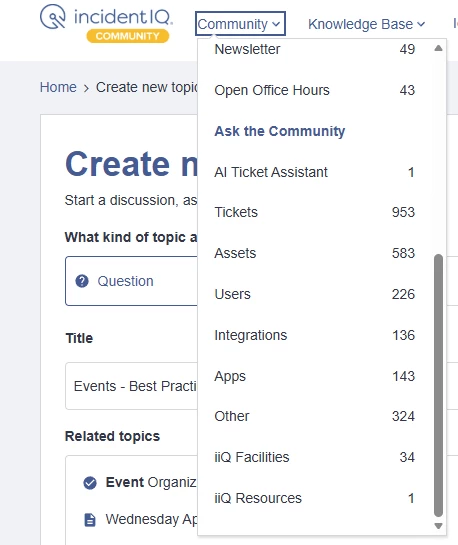
Side note for IIQ staff: Not having an Events tab to quickly navigate to discussions involving the module makes it really difficult to find any answers.
 

7 replies

Forum|alt.badge.img+2

It sounds like you were thrown into the exact same boat as I was.

My biggest issue with remote ticketing is actually getting outside people to actually use it and register with us. I don’t know what is so hard about it but the business department just puts in the request for them because of it.

Since you didn’t mention specific roadblocks, this is what I had experienced immediately:

For remote ticketing make sure that guest role permission (In Events) has access to login and be able to submit tickets. You also probably should set the default notifications for them to include when a ticket is opened/closed and whatever update ones you want. Keeping in mind that any account created before that change will not have them applied. Also make sure they have the visibility for “Event Reservations” set. 

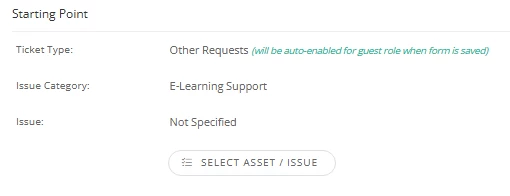
Keep in mind if  you are using remote ticketing in ticketing you have to give it its own issue, otherwise those in the event side will see the ticketing option as well.

Single approvals does not work for my district. This is my implementation of the rules engine to create an approval chain depending if different criteria is met:

For some reason when an organization is created there is no option in the rules engine to send an email when one is created for someone to approve. So either someone has to check it periodically OR having a webhook be created (there might be other ways but this was the easiest method I found). We are Google based so I used this guide someone else created here. I dumbed down the notification to its most basic form and just have yet to update it.


Forum|alt.badge.img

​@SWalton 277886e msd19 I really appreciate your response and detailed feedback. I’m going to look it over and I’ll get back to you if I have more questions.

As for the remote ticketing form for events, we do have the guest permissions set up as you described, but for some reason are still running into issues. I’ve reached out to IIQ staff for that point, hoping they get back to me soon.

Thanks again!


Kathryn Carter
Forum|alt.badge.img+18

​@EGimenez 590058f jusd Thank you for submitting your question to our community! 😄 

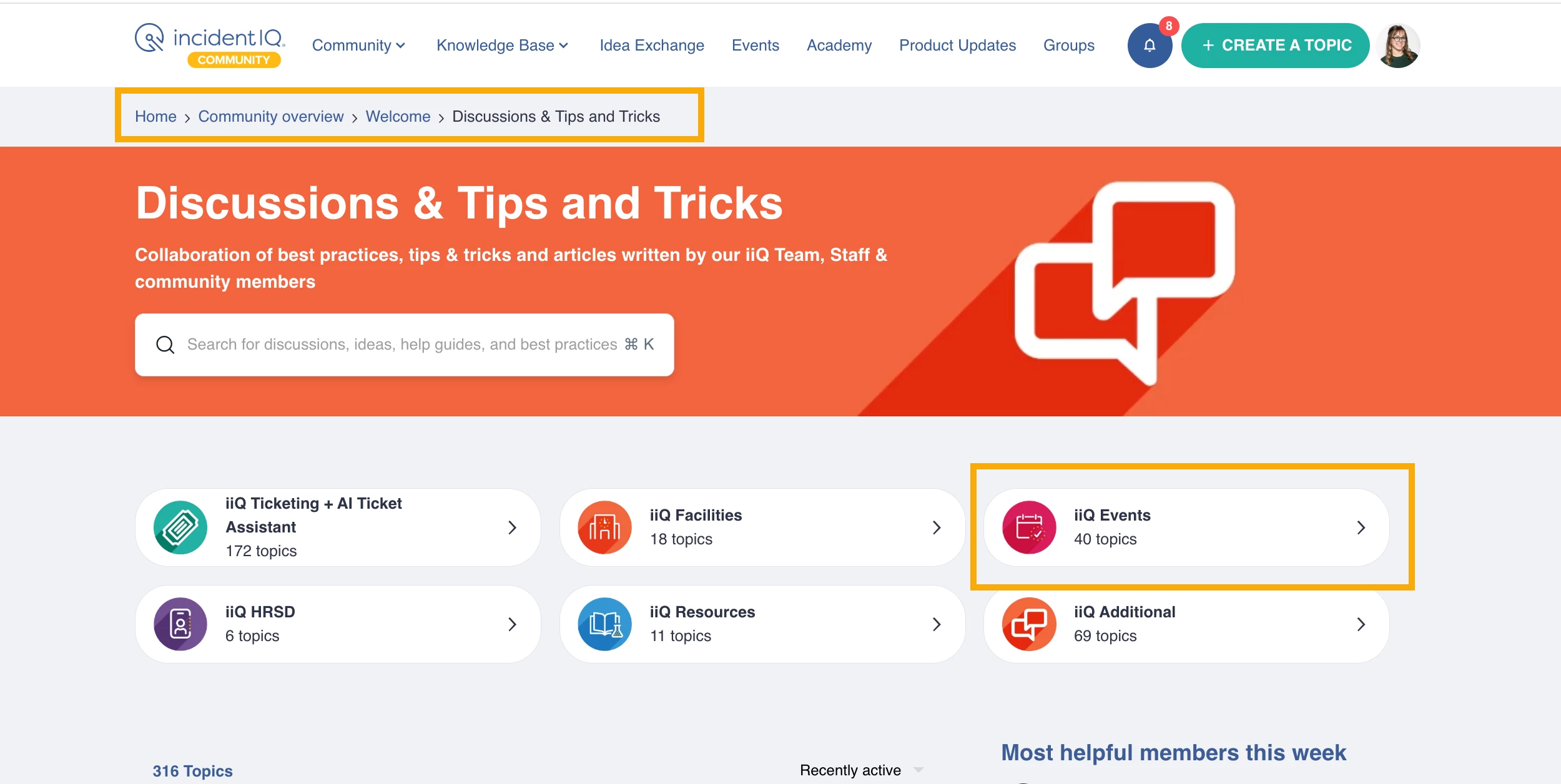
Thank you for your feedback. For this, I would suggest looking under our discussions, tips & tricks section for topics about how to best utilize our Events platform : https://community.incidentiq.com/iiq-events-250


As for your question, ​@SWalton 277886e msd19 left a great detailed response & I hope that was helpful! Have you reached out to your CSM yet about more a more detailed setup? 


Forum|alt.badge.img

​@Kathryn Carter Thank you for pointing me in the direction for the discussions. While I’m grateful for ​@SWalton 277886e msd19 ‘s response, I am still hoping for some kind of guidance direct from IIQ staff. Is there any documentation for best practices or recommendations from IIQ on a deeper admin level than what’s currently in the learning module? While it’s helpful for starting out, the learning module and current KBs do not dive deep enough into the capabilities and operations for the Events module.

Since we no longer have access to the sandbox we had before implementation, it makes testing very difficult, so if there is anything more from IIQ directly it would be greatly appreciated.


Kathryn Carter
Forum|alt.badge.img+18

​@EGimenez 590058f jusd I am not sure what kind of options you are looking for. Events is quite extensive in its ability to be customized. I suggest checking out the events page I linked above as that has questions, customer spotlights and BPs for you to check out! 

Additionally, if you have not reached out to your CSM yet, I would highly suggest talking to them. They can help you with your wide range of ideas for how to set up your events module in addition to what academy supports. 
I reached out to our team and it looks like your RST ticket is currently being worked on by support so they should be your best for updates on that. 


ACampbell 717f23b friscoisd
Contributor
Forum|alt.badge.img+5

We’ve had a very successful implementation and I would be happy to walk you through how we set up our site. I was lucky enough to be overseeing our events management and also deeply involved in our ticketing and facilities set up. Without both of those things, this would have been much harder! As far as best practices, what has worked for us is

  1. Teams on our 80 campuses approve (not individuals). Even if there is only one approver, we set up a team. That way, we don’t need to adjust multiple rules when there is a personnel change.
  2. We set all of our fees to apply to organization type and room type.
  3. We tie most of our approval pathways to event type, and then trained staff on what event type to use (as well as making the names of the types pretty obvious). We have separate rules for each event type, such as “Campus Event Approval/1 of 1” or “External Event Approval/Non-Athletic/District Team/1 of 3”. We did tie one approval to a custom field within the ticket for “campus event” type that indicates that the event is not scheduled for a campus group - that will send that campus event to a district approver to be sure that it is not a third-party event.
  4. We created in-house how-tos for our internal and external users to blend our requirements with how to input into IIQ.

I have lots of enhancement requests for Events, but we’ve been able to get all the functions that were must-haves, and I have appreciated the flexibility (which comes with the complexity). It took longer than I expected, and we also met a TON with our implementation specialist who was awesome and instrumental in getting things running smoothly. I see you are mostly looking for help from IIQ here, but if you’d like to discuss further, I’m glad to show you more of how we have made it work.

Good luck!


​@ACampbell 717f23b friscoisd those are all good points.


  1. Building teams rather than individuals should be the iiQ default instructions. We implemented with users built into the rules and it is on my list to get us converted to teams.
  2. We set fees by organization type and room. We will likely end up doing a mix of type and room. Our theaters and fields have different rates - so room type for filtering IT Ticketing and Facilities Work Orders doesn’t need the same granularity in type that Events Fees might.
  3. Can you share your list of event types?
  4. Can you share your guides? I wrote a guide for our external users. Remote Event Ticketing is confusing for our external users so I am curious how other districts are handling the application form, dashboard access, etc.