Question

Guest User ticket permissions

  • Jul 8, 2026 12:45 PM UTC
  • 7 replies
  • 36 views

Guest Users in our school district should only be able to create Event Tickets. iiQ permissions do not allow us to give permissions for Event tickets only --it allows Guest Users to also create IT tickets and Facility tickets. It should allow us to only give permissions for ticket subcategories like Events.

7 replies

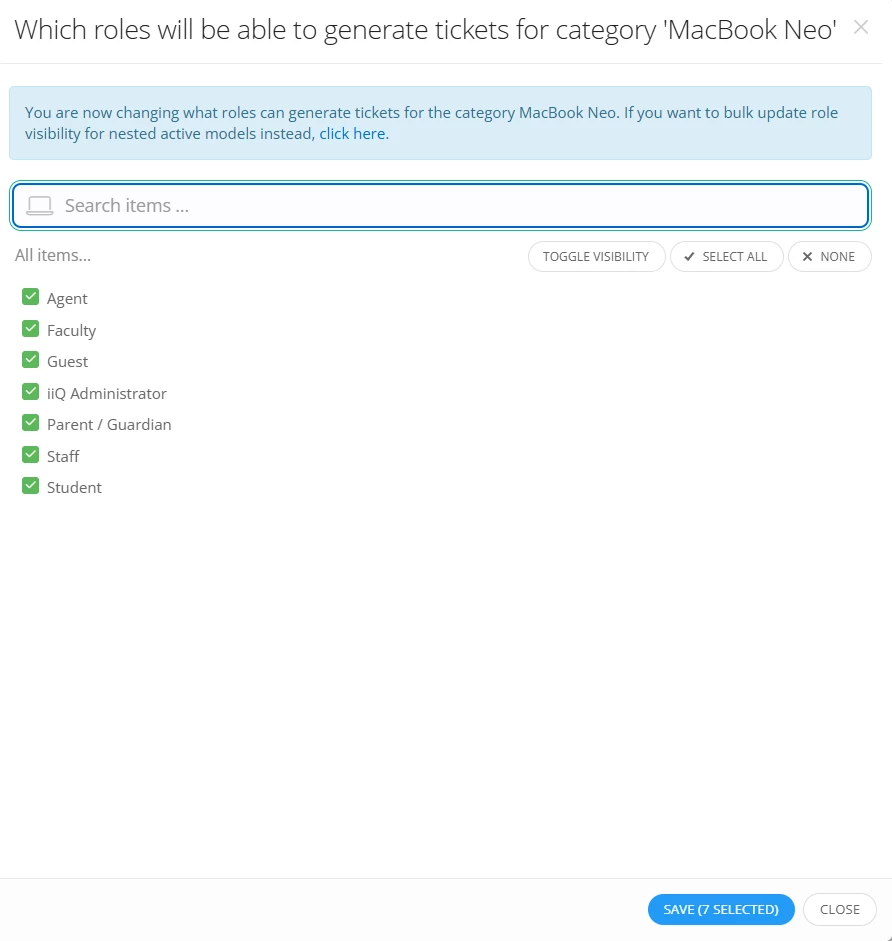
You can hide specific issues from Guest users by navigating to Admin > Issues and clicking Visibility next to the relevant models or issue categories.


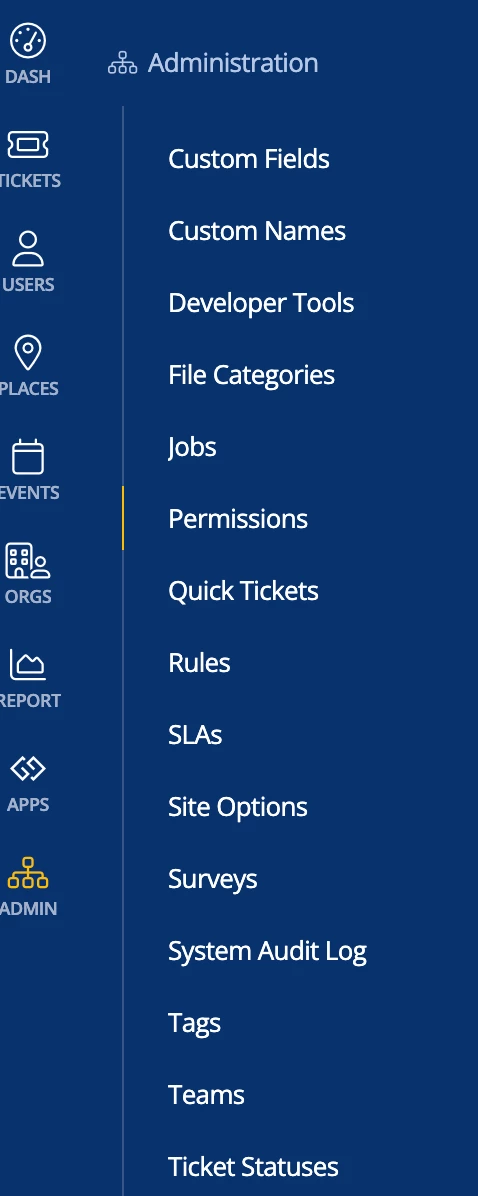
I don’t see ‘Issues’ under Admin….


LWoods_iiQ
Forum|alt.badge.img+10
  • Employee
  • Jul 8, 2026 1:13 PM UTC

​@JGeyer 393cc90 creighton 

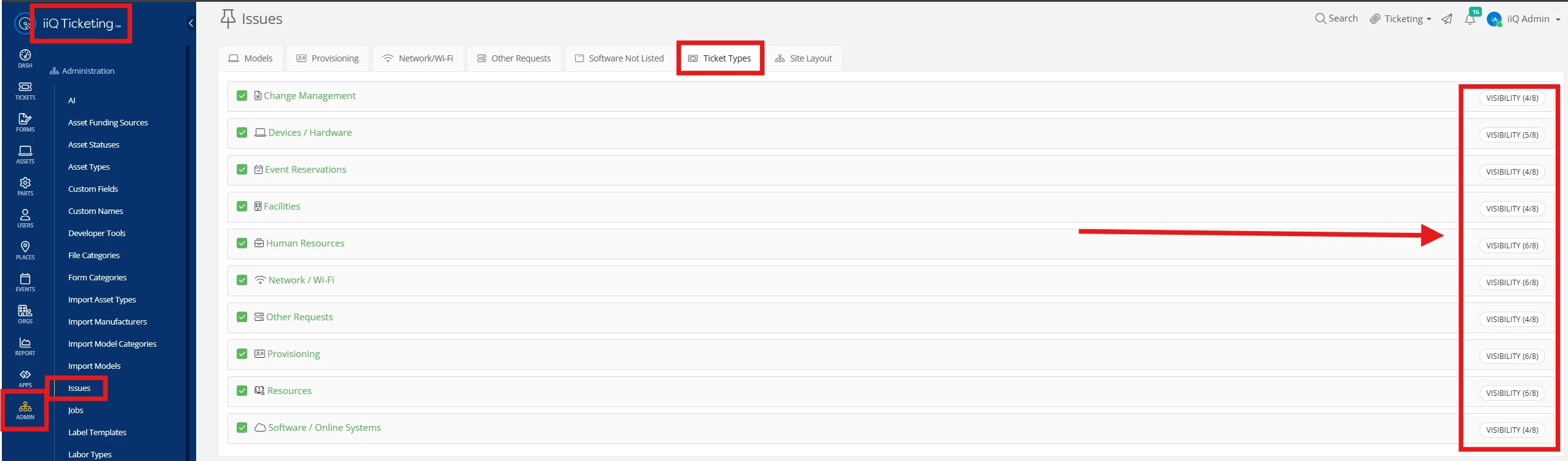
If you toggle to the Ticketing module the Issues section is visible. It is essentially the hub for managing all issues throughout the platform. Click on Visibility next to the Ticket Type and adjust accordingly.


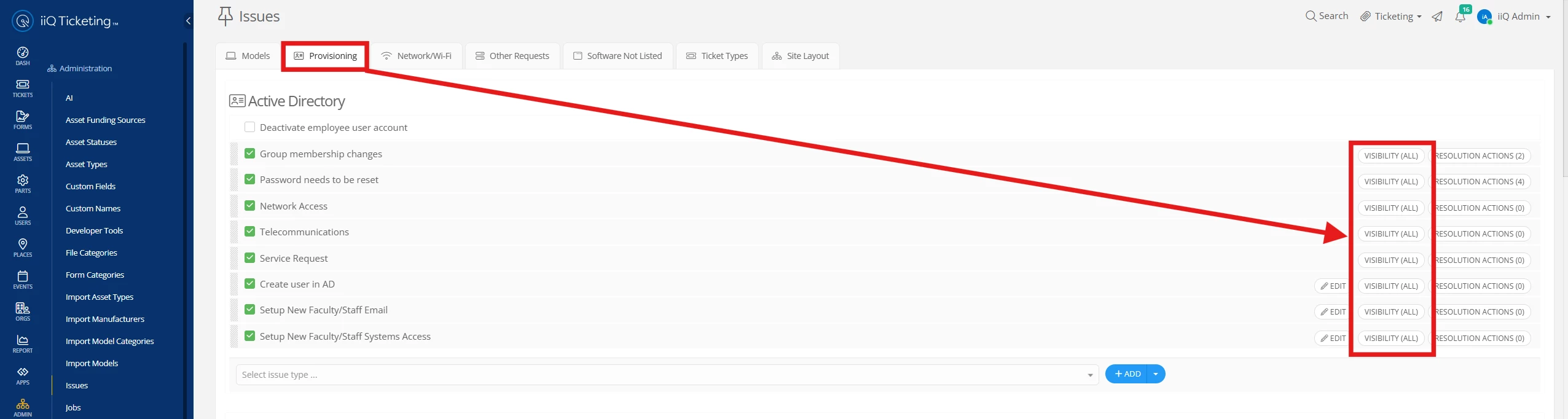
You also have the option within Ticketing Issues to manage visibility based on the Issue Type as ​@JChristianson_iiQ  mentioned above. 


Thank you!


I had to change the pull-down from Events to Facilities, and I was able to make the changes. Thanks.


Good to know about Ticketing being the Hub. 


LWoods_iiQ
Forum|alt.badge.img+10
  • Employee
  • Jul 8, 2026 1:43 PM UTC

​@JGeyer 393cc90 creighton 

My apologies, I didn’t realize you had Facilities module as well. That works too! I’m glad you were able to make the appropriate changes. Please let us know if we can help in any other way.


Thank you!


LWoods_iiQ
Forum|alt.badge.img+10
  • Employee
  • Jul 8, 2026 1:45 PM UTC

​@JGeyer 393cc90 creighton 
 

As you saw, Facilities is also similar in that it houses the Ticket types, but I tend to reference Ticketing as the hub since most districts have that module. Each module houses their own Issue Types.


Thank you!