Question

Creating Student interns

  • June 8, 2026
  • 12 replies
  • 71 views

Forum|alt.badge.img+2

We want to create a student intern role to help create/work tickets but do not want those interns seeing other students/users sensitive information, such as student id, phone number, etc.

12 replies

Forum|alt.badge.img+4

Hi ​@DJenkins 9036069 hobart ,


I hope you’re doing great! You can create a custom policy for the student intern user and to accomplish what you’ve asked in the question, you will need to grant the following permissions:

  1. Login 
  2. Submit Tickets 
  3. Work Tickets
  4. View Tickets List and Details

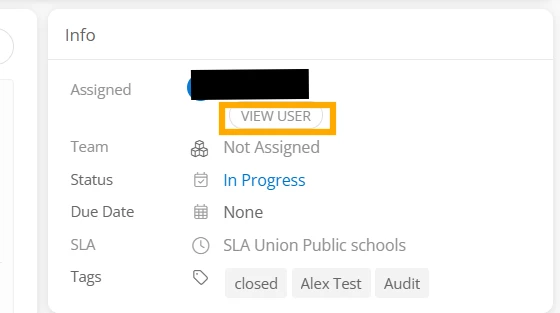
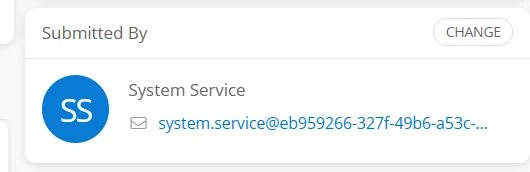
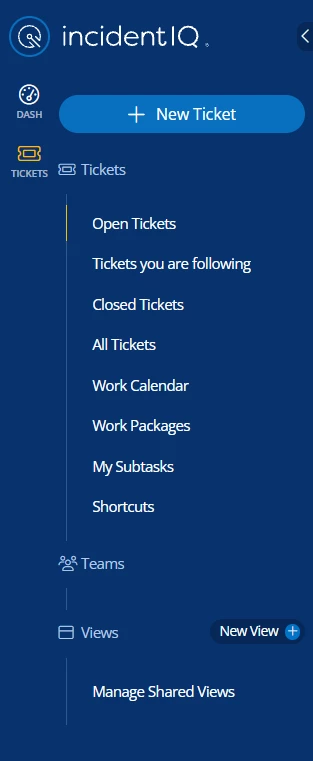
If the user has these permissions, the user will be able to work on tickets but the system won’t allow the user to view other users from the “Users” icon on the left nav as it will be hidden, the “View User” button on the ticket will be greyed out, and the user won’t be able to change or view other users from the “Submitted By” section on the ticket either. The user will only see the name and email in the “Submitted By” section. I’ll attach a few screenshots for your reference.


I hope this helps! If you have any questions or concerns, please let me know. May you have a great rest of your day!


Regards,

Jas


Kathryn Carter
Forum|alt.badge.img+18

@DJenkins 9036069 hobart Here is an article to reference as well as an example of setting up a student tech program! 


Forum|alt.badge.img+2

Okay hmmm… I have tried giving the mentioned permissions in various ways, tried creating an Intern ‘Team’ and applied to test student, removed the test student from student role and assigned them a custom - Faculty role (because you can’t create new roles apparently), created a user: ‘Test Student’ permission but none of these have allowed the test student to create tickets on anything but his own device.  Addtionally, I was able to get this student to work existing tickets but the user information is still visible. I must be doing something wrong but not sure what it is at this point. I will continue to experiment.


Forum|alt.badge.img+4

Hi ​@DJenkins 9036069 hobart,


I hope you’re doing great! Feel free to share the user’s name and I’d be more than happy to assist further. If you have any questions or concerns, please let me know. May you have a great day ahead!


Regards,

Jas


Forum|alt.badge.img+2

Hi Sure, My test student is____and when viewing/working tickets the user information is on the submitted by/on behalf of section. However this student still cannot submit tickets on any asset other than the one they are assigned.


Forum|alt.badge.img+4

Hi ​@DJenkins 9036069 hobart ,


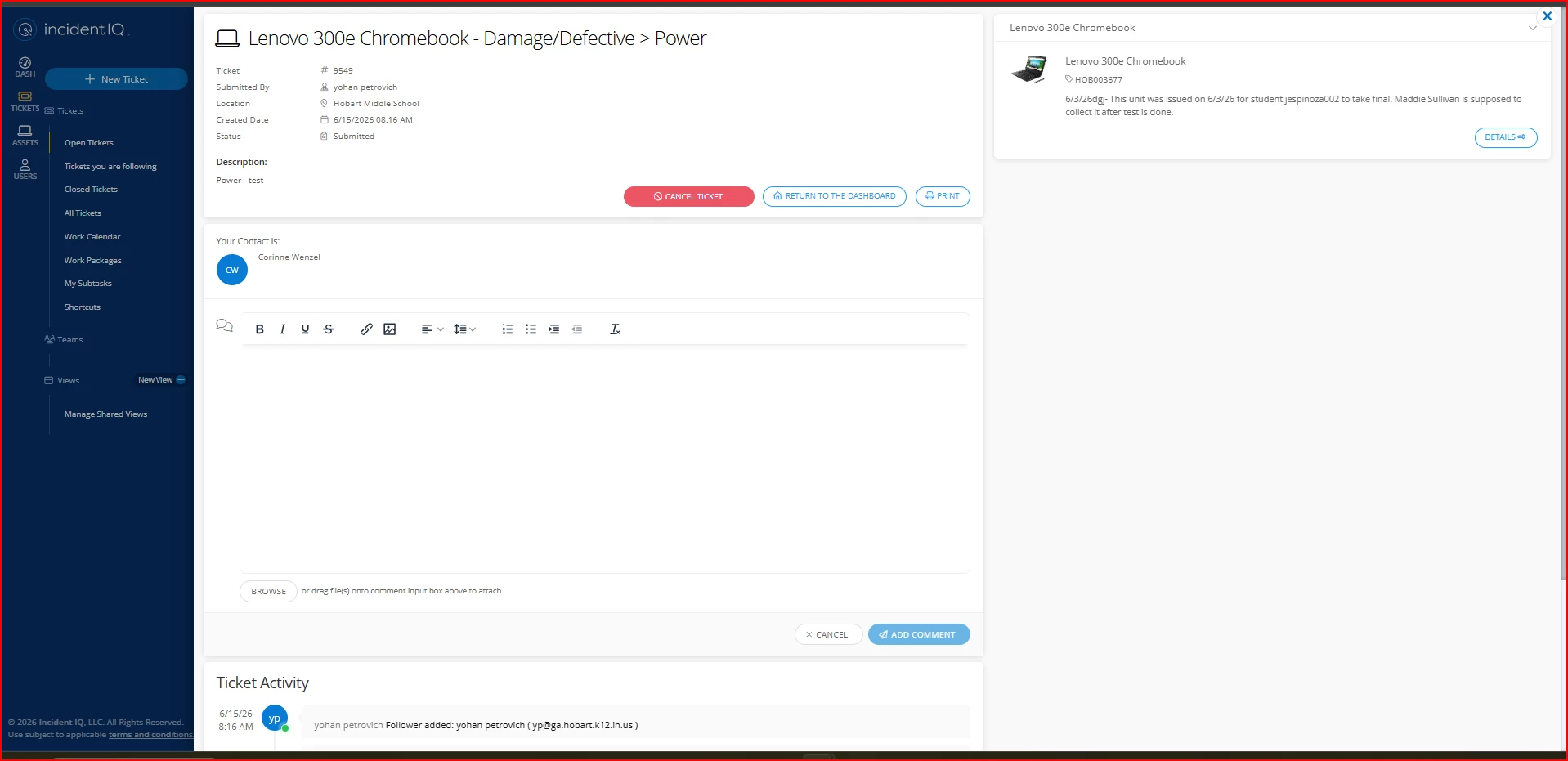
Thank you for your time and patience. After further investigation, I found that this is currently an expected functionality to display the user’s ID with its email in the “Submitted by/on behalf of” section. And there is no setting to hide the user’s ID from that section. If you’d like, you can share this as an idea on our “Idea Exchange” page by clicking on the link below:


https://community.incidentiq.com/ideas


Our product team will review the idea and all the updates regarding the idea will be posted there. 


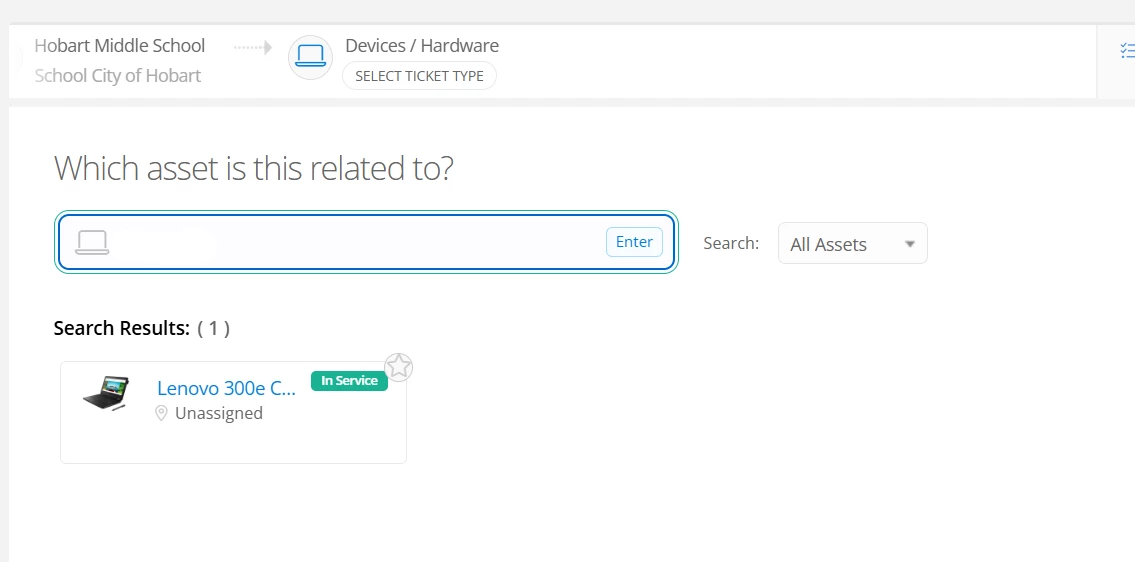
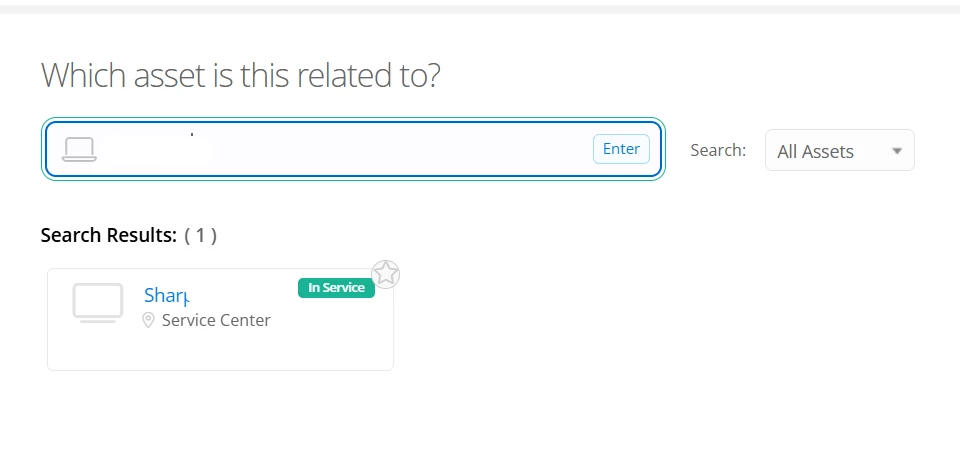
I also checked the ticket submission process and was able to search search assets during the ticket submission process. I’ll attach a few screenshots for your reference.


Could you please share whether the assets don’t appear when they’re searched or do you receive an error message at the end of the ticket submission process?


I look forward to hearing from you!


Regards,

Jas


Forum|alt.badge.img+2

Hello again. It is too bad that the sensitive info cannot be hidden. Could we adjust the SIS integration to not include that info as this could be a way to ‘hide’ the info?  

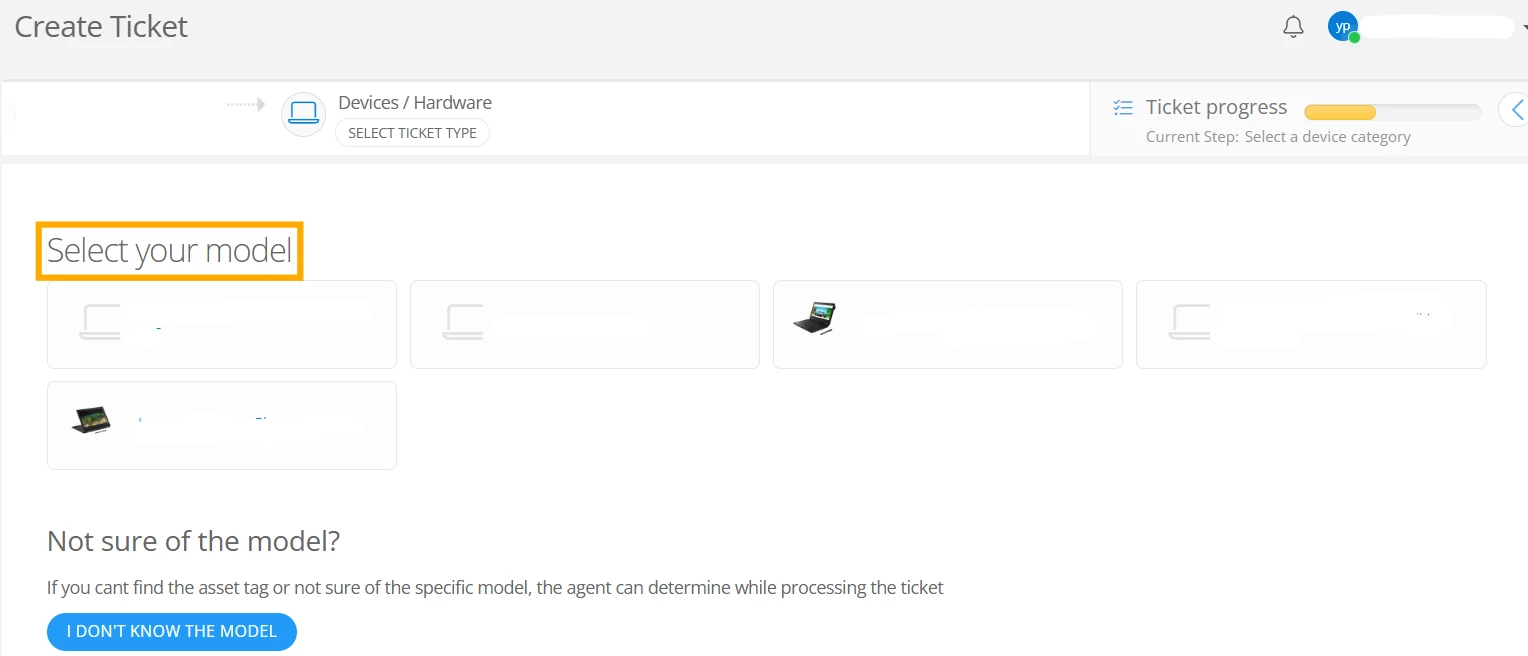
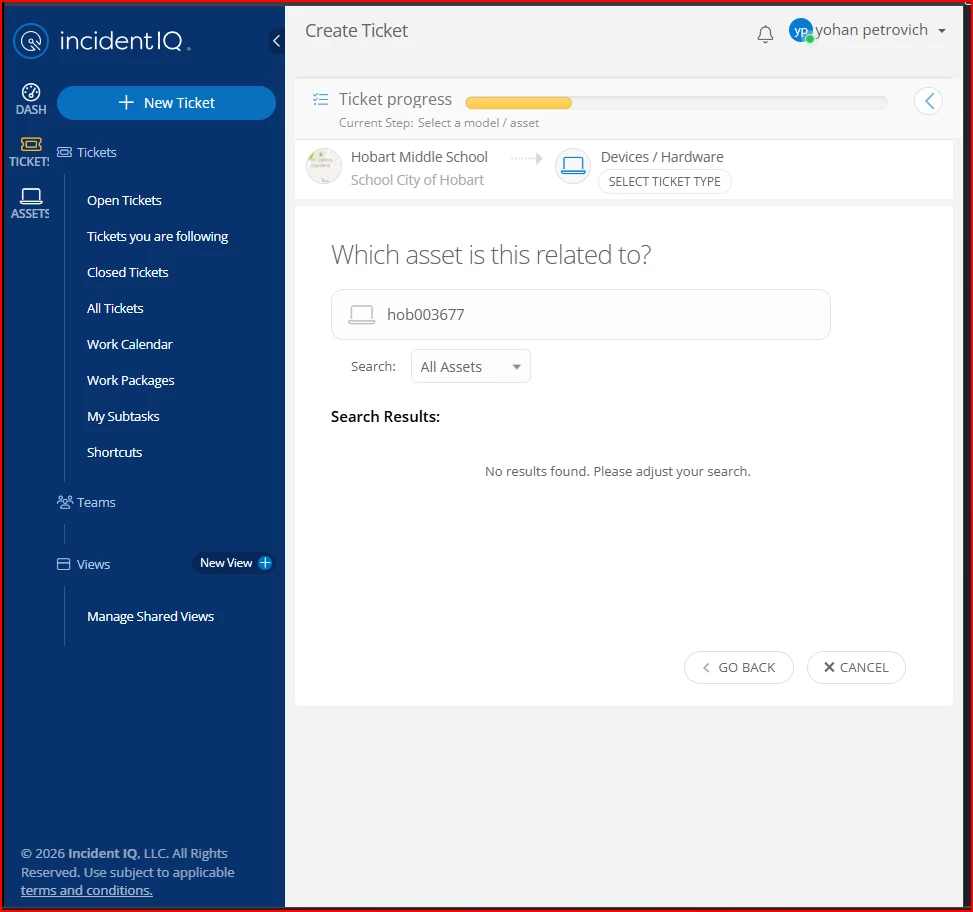
As for the the ability to see the assets, the assets do not display. The option to choose Chromebook models generically appears but the specific asset tag/serial number (which is critical) results in a ‘no search results found’ error.


Forum|alt.badge.img+4

Hi ​@DJenkins 9036069 hobart ,


I hope you’re doing great! I’d like to mention that adjusting the SIS integration will also hide that info on the user’s profile. 


Could you please share the specific asset that results in a ‘no search results found’ error?


I look forward to hearing from you!


Regards,

Jas


Forum|alt.badge.img+2

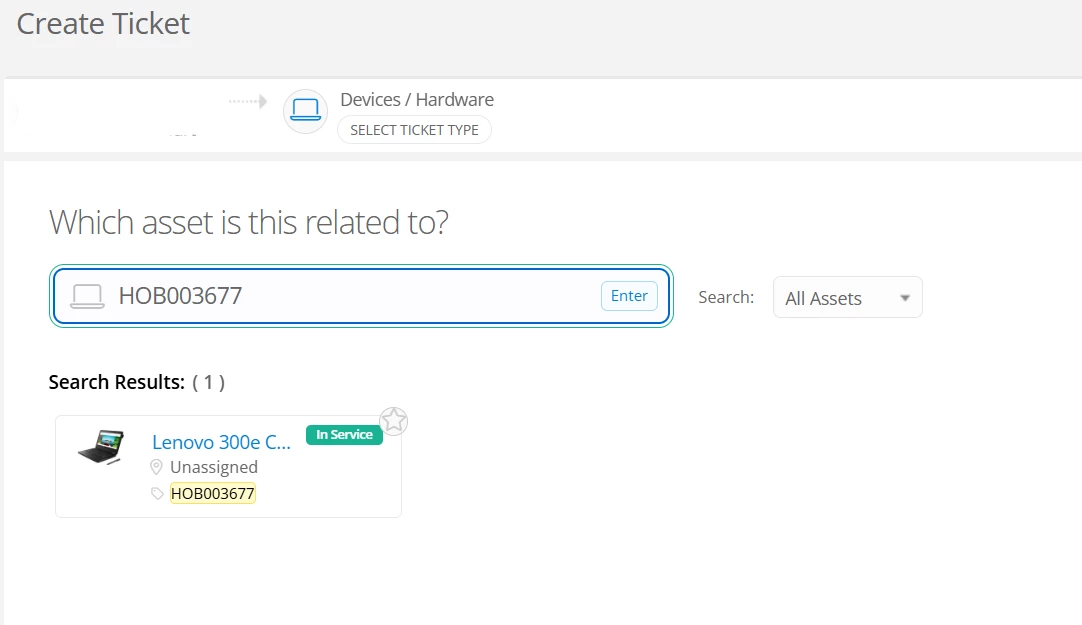
All of the  Chromebooks but here is an asset tag- HOB003677.


Forum|alt.badge.img+4

Hi ​@DJenkins 9036069 hobart ,


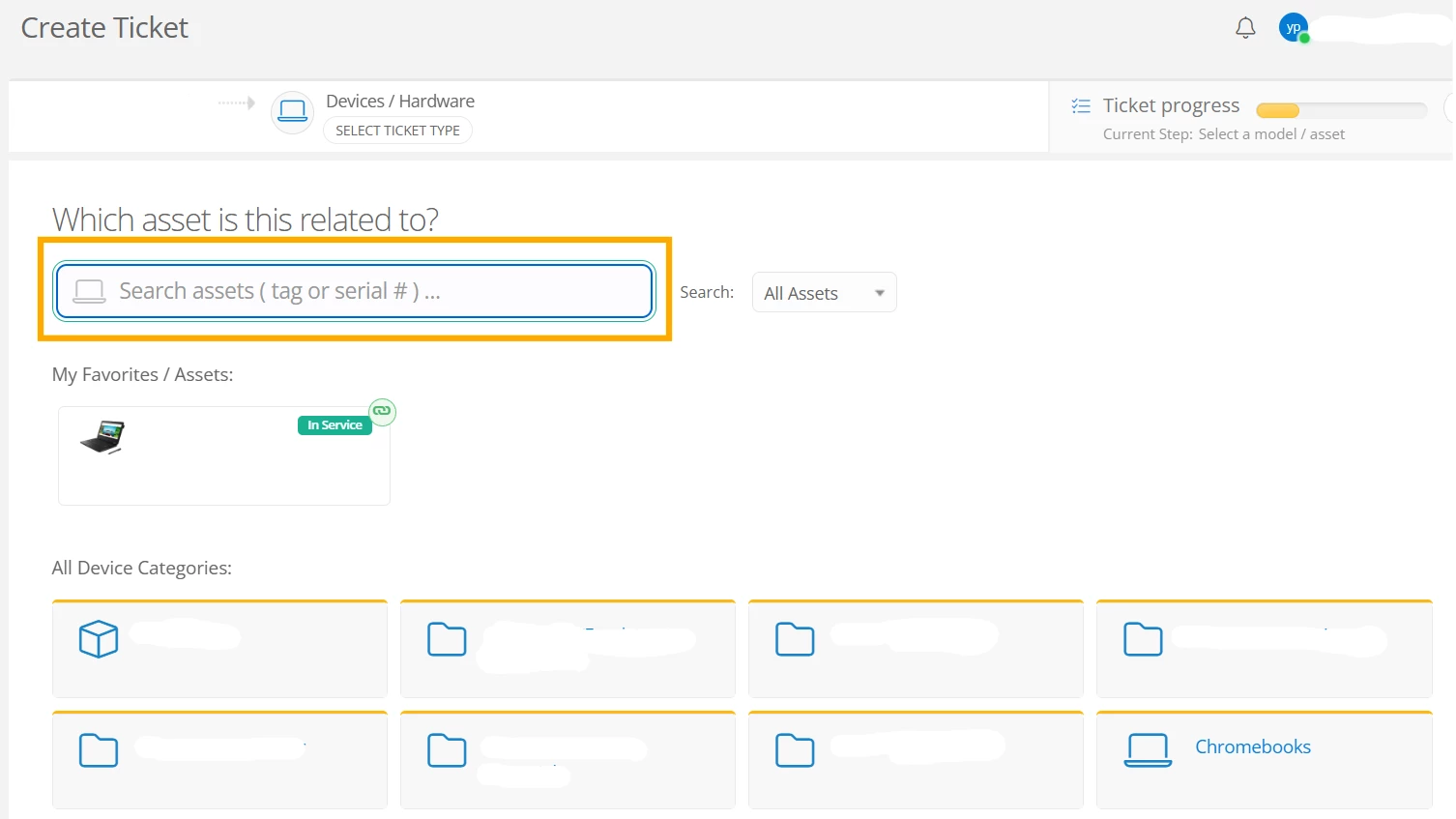
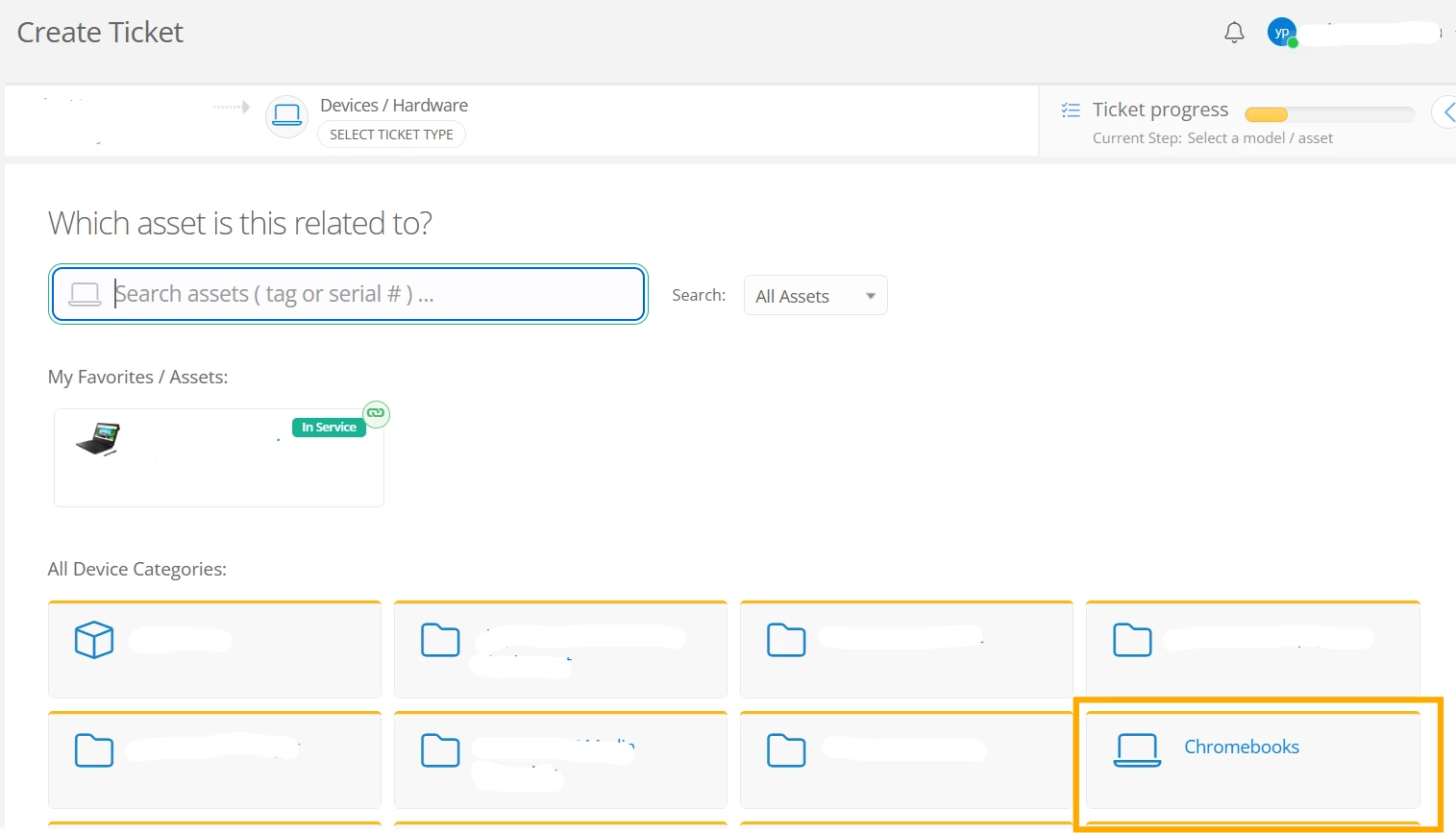
Thank you for sharing an example asset! The asset appeared when I searched for it during the ticket submission process. I’d like to add that if you want to submit a ticket for a specific asset, you would need to search it under “Which asset is this related to?” search bar. If you click on “Chromebooks” under “All Device Categories”, then it will take you to another path of submitting a ticket for its model. This is why the models appear when you click on “Chromebooks”. You can search the assets on the same page to create a ticket for a specific asset. I’ll attach a few screenshots for your reference.


If you select “Chromebooks”, then you can only select a model but won’t be able to search assets on that step.


I hope this helps! If you have any questions or concerns, please let me know. May you have a great rest of your day!


Regards,

Jas


Forum|alt.badge.img+2

Well that is what I do and it does not work. I get a no search results found.


Forum|alt.badge.img+2