Solved

Not required field being required

  • August 19, 2025
  • 8 replies
  • 95 views

Two custom fields in a ticket are now requiring to be filled in, but they are not marked as being required and they do not need to be required. When I go to edit the custom field, everything looks set correctly for it to not be required. Was wondering if there is somewhere else I should be looking or if I overlooked something?

Best answer by DDonaldson_iiQ

Hello LSMITH,


Thank you for posting your question. Our support team is aware of this issue and is working on a resolution. 


Thanks for your patience.


Regards,

Dani Donaldson

8 replies

DDonaldson_iiQ
Forum|alt.badge.img+2

Hello LSMITH,


Thank you for posting your question. Our support team is aware of this issue and is working on a resolution. 


Thanks for your patience.


Regards,

Dani Donaldson


I feel like I’m having the same issue now.


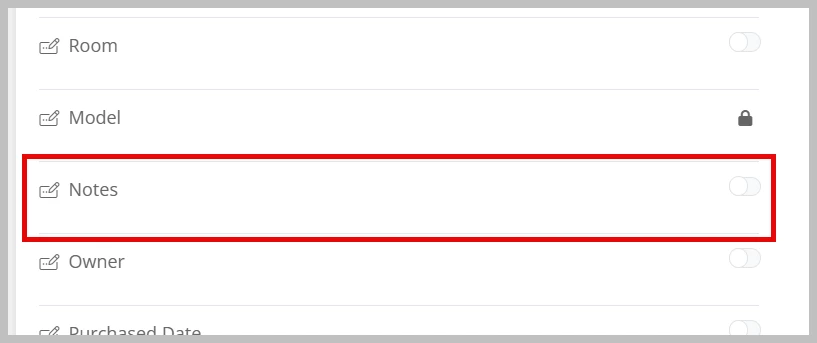
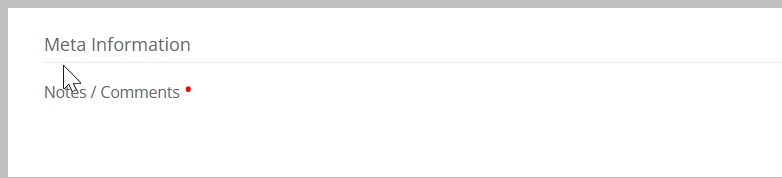
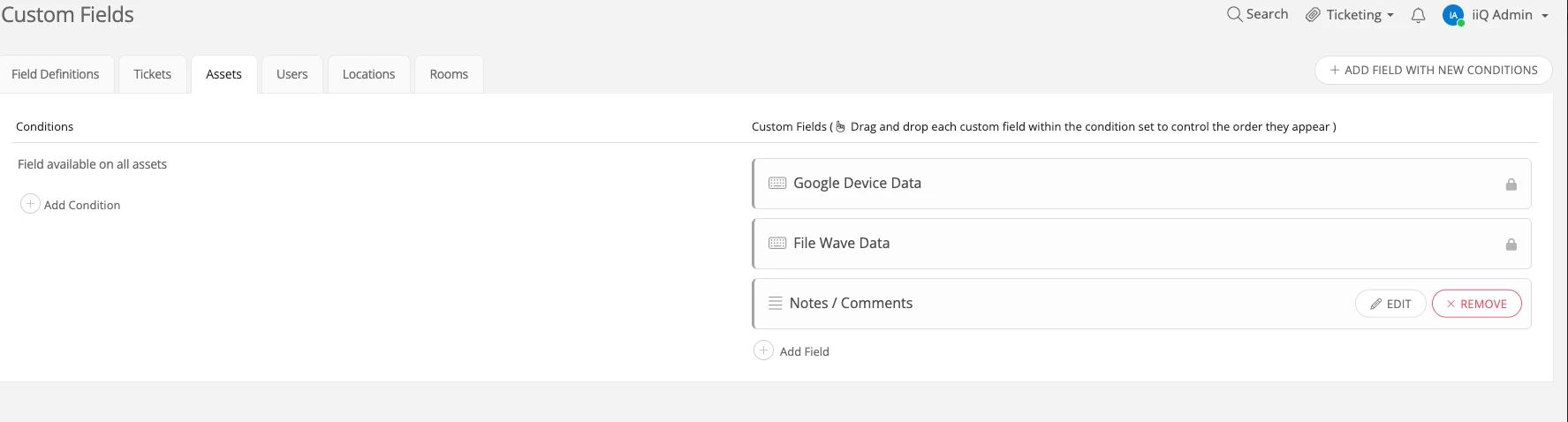
I’m not sure the two are related as seen in the image but all of a sudden the Notes/Comments field is required. Why? Also it appears to be meta data. This is a chromebook and we manage chromebooks in Google Devices. So IIQ is pulling the info from there.


I found the custom field under “Custom Fields” Asset tab.

I don’t remember making this a required field but now I have this when editing an asset:

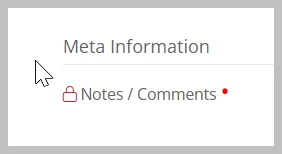
Locked but still required? The field is no longer there though.


Kathryn Carter
Forum|alt.badge.img+18
  • Community Manager
  • December 1, 2025

@AWilson 61044d5 shawneeps Thank you for submitting your question to our community! 😄 

Please submit a ticket to support in order to track who is all being affected by this. I would suggest going into your MDM and checking to see if one of those fields has been turned on as well. It could be coming fro your MDM since it is located under the “Meta Information”


Hi Kathryn,

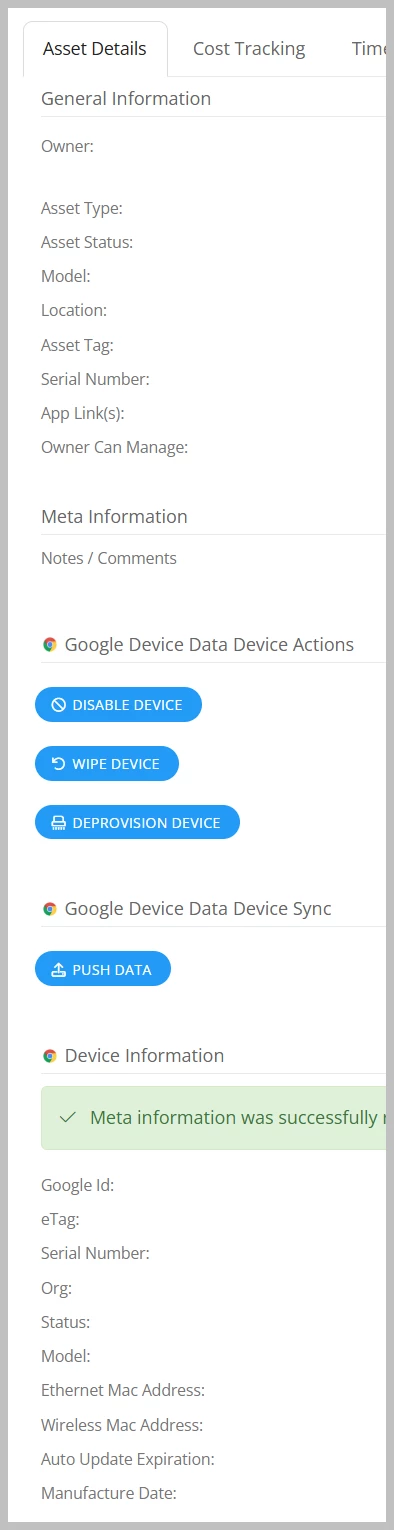
This information is coming from google but it is not located under the google information when you click on an asset. Its just before that info. So the field may not have anything to do with Google. 

Below is a quick snapshot of the order of the data:


You can see Meta Information right above Google Information


DDonaldson_iiQ
Forum|alt.badge.img+2

Hi ​@AWilson 61044d5 shawneeps,


For some reason I only see the custom field on the Assets tab like you mentioned, but I do not see it on the Field Definitions tab. If you do not have any assets with information in the “Notes/Comments” section then you can delete/remove the custom field and create it again and add it back to the Assets tab.


Will that help?


Thanks,

Dani Donaldson


Right but I had a tech enter periods to bypass the required field. Now the Notes / Comments field shows a lock on assets that have information entered in the field. 

Is there a way to remove the periods or other info and still save the changes?


DDonaldson_iiQ
Forum|alt.badge.img+2

Hello again! Unfortunately, there is no way to save the changes without any information in the “required” custom field. I would advise submitting a support ticket for further assistance.