
Solved

Select an issue Category - List Order


davecarty
Mentor
Forum|alt.badge.img+12

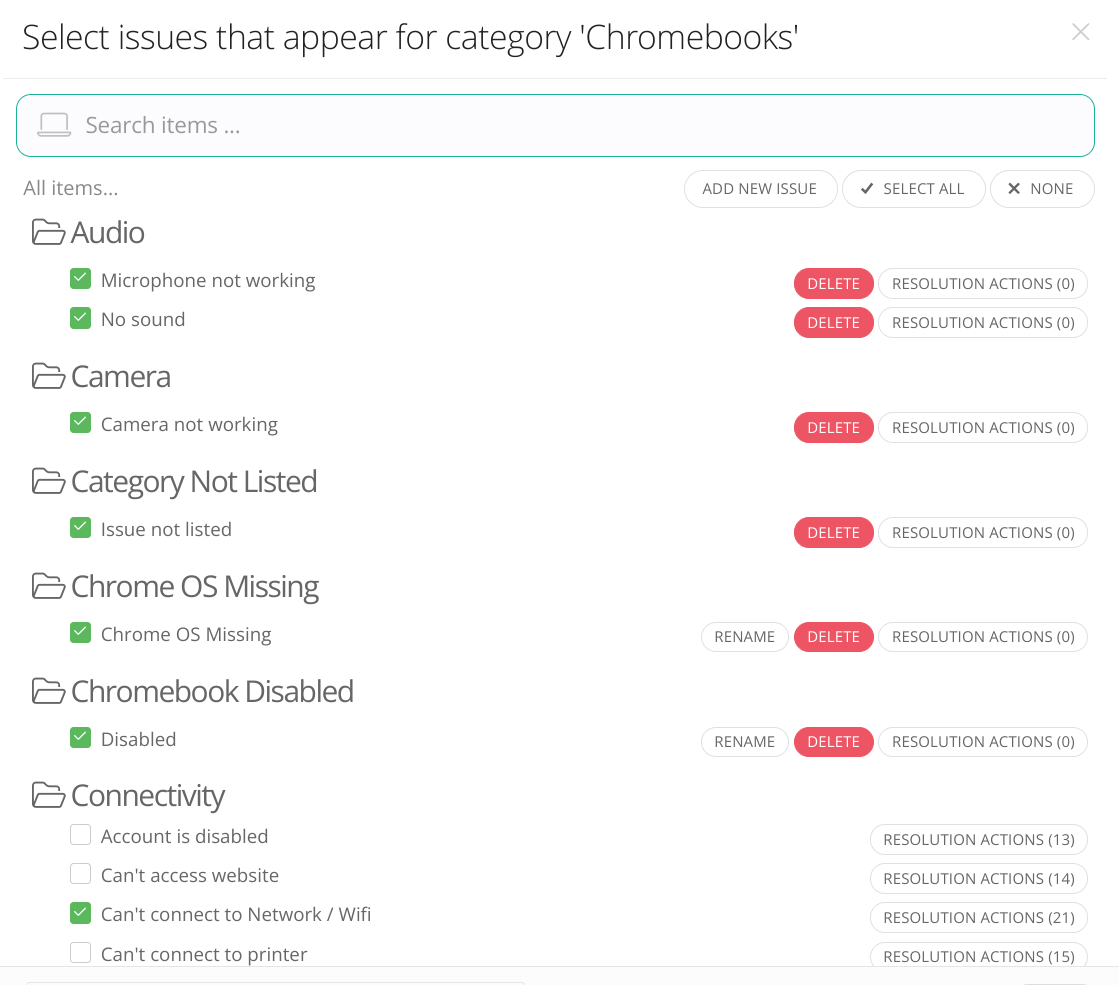
When programing issues for a Model Category, the Issue Categories are alphabetical as shown below.
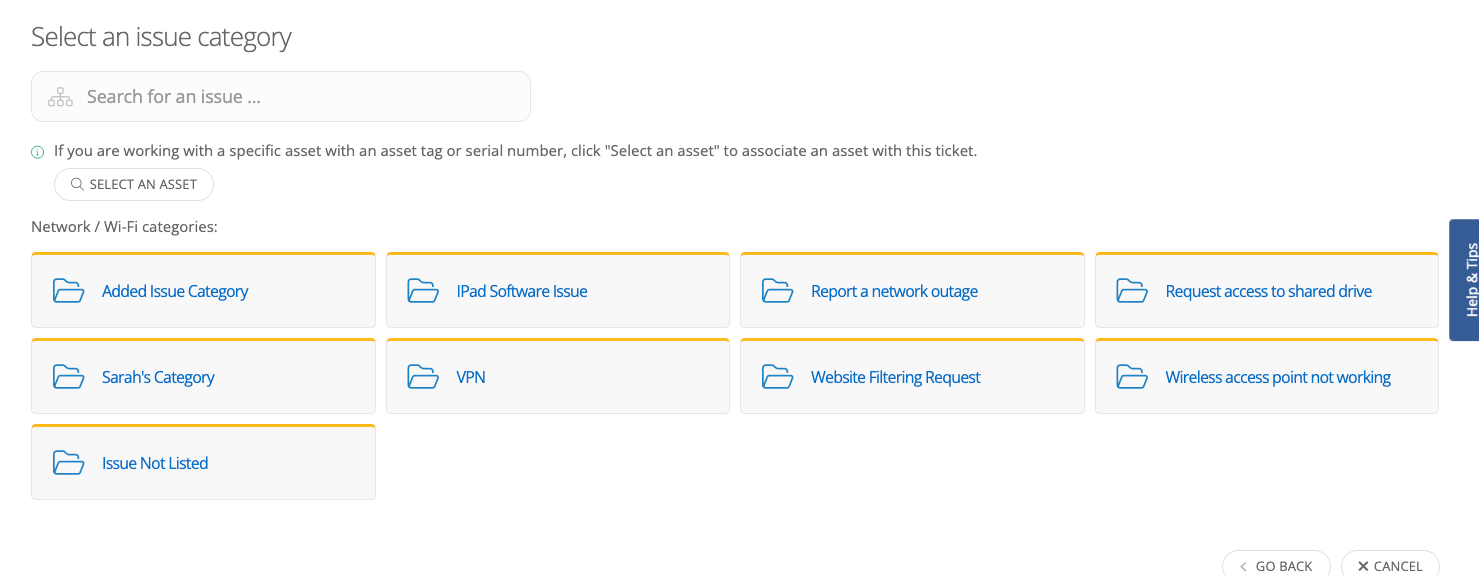
However, when the list of Category options are presented to the ticket creator, they are not in alphabetical order as shown below.
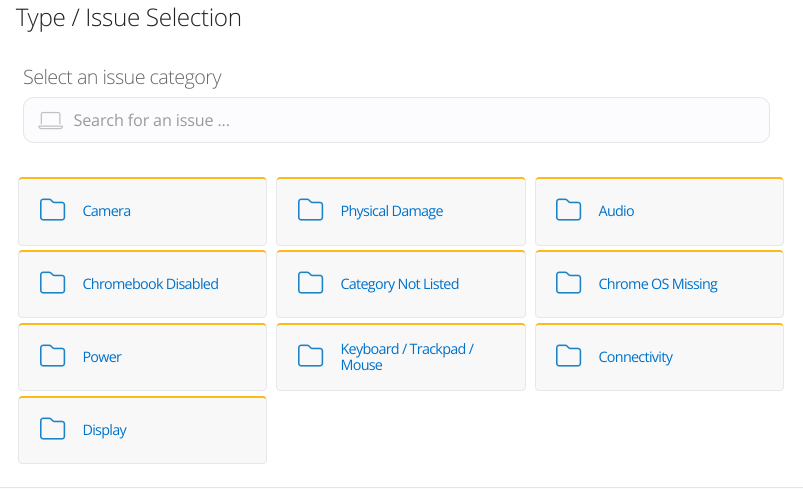
How is the order determined/adjusted?
Best answer by Kathryn Carter

@davecarty Thank you for submitting your question to our community! 😄

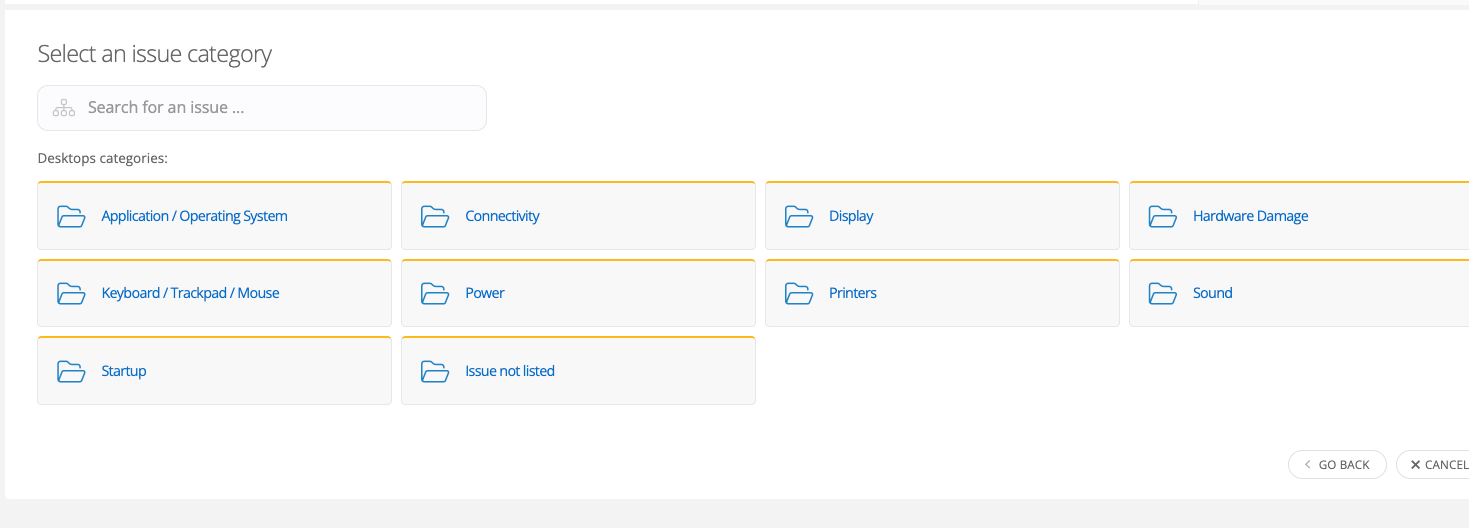
I have gone between different sites, and it looks like they are all in alphabetical order. Even on your site, I was unable to replicate the order. I don’t believe there is a site setting for that, either. 

Have you tried logging in/out or clearing out your cache? It could be a cacheing issue. 


View original

2 replies

Kathryn Carter
Forum|alt.badge.img+18

@davecarty Thank you for submitting your question to our community! 😄

I have gone between different sites, and it looks like they are all in alphabetical order. Even on your site, I was unable to replicate the order. I don’t believe there is a site setting for that, either. 

Have you tried logging in/out or clearing out your cache? It could be a cacheing issue. 


davecarty
Mentor
Forum|alt.badge.img+12
  • Author
  • Mentor
  • July 22, 2024

Thanks Kathryn,


That did appear to be the issue.